25
LSI 090 - Rev. 00 - Ed. 04/2018
to indicate that the technical assistance is deactivated.
To enable one or both available controls, proceed as follows: hold down the button
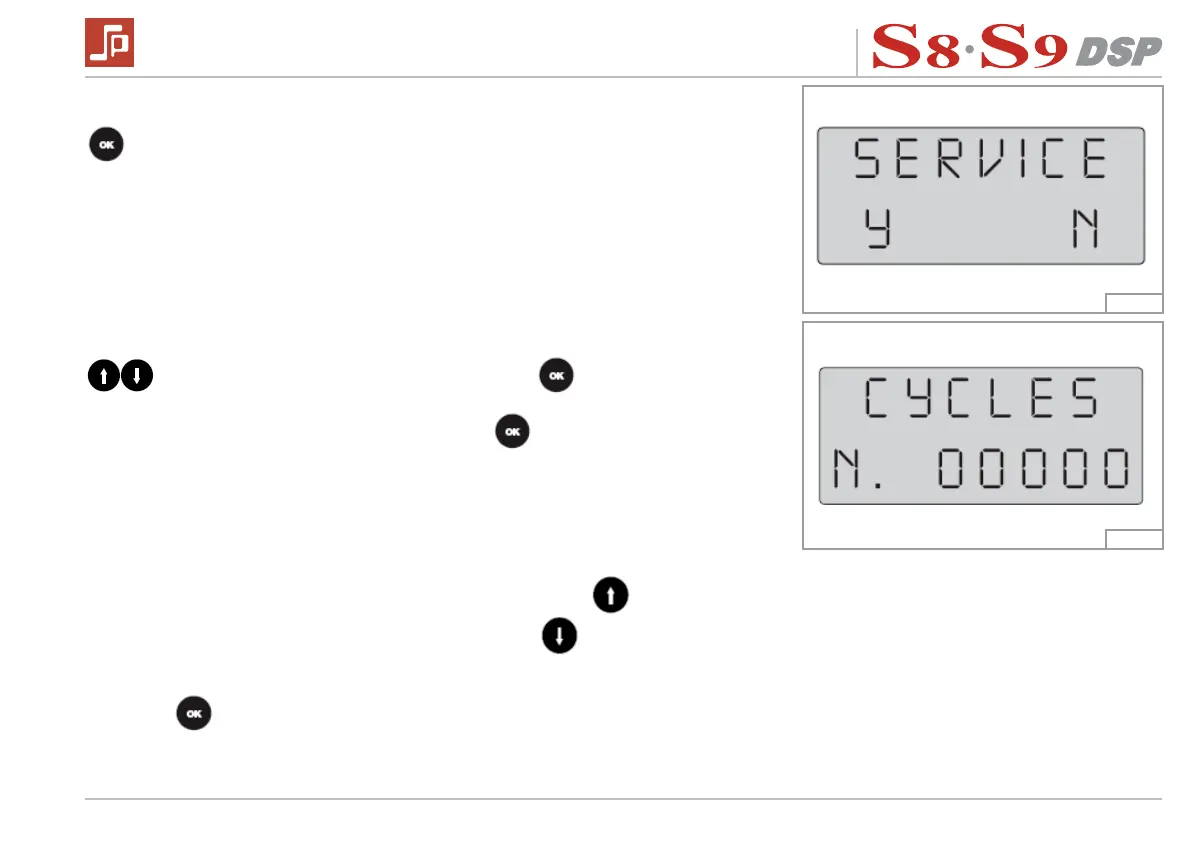
for about 3 seconds, this opens the SERVICE menu and the display will read:
Where “Y” (Yes) will be ashing. To select “N” (No) press one of the 2 arrow keys
, “N” will start to ash. If you press the button , the control of delivery
cycles will remain deactivated, passing directly to the softener FILTER settings.
If you conrm with “Y” (Yes), pressing the button
, you enable the control and
move to the setting of the number of solenoid valve insertion cycles, a number which
decreases at every delivery operation. The display now shows:
Where the rst “0” on the right is ashing; when the button
is pressed, this
increases the number (0 - 9), while pressing the button
, moves onto the most
important digit on the left (the selected digit ashes to indicate that it can be changed).
Once the required delivery cycle value has been set, conrm the setting by pressing
the button
.
Fig. 14
Fig. 15


 To Next Page