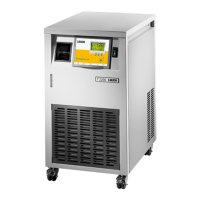
Proline Kryomats
YAUE0007 / 2/26/2009 Starting up 47
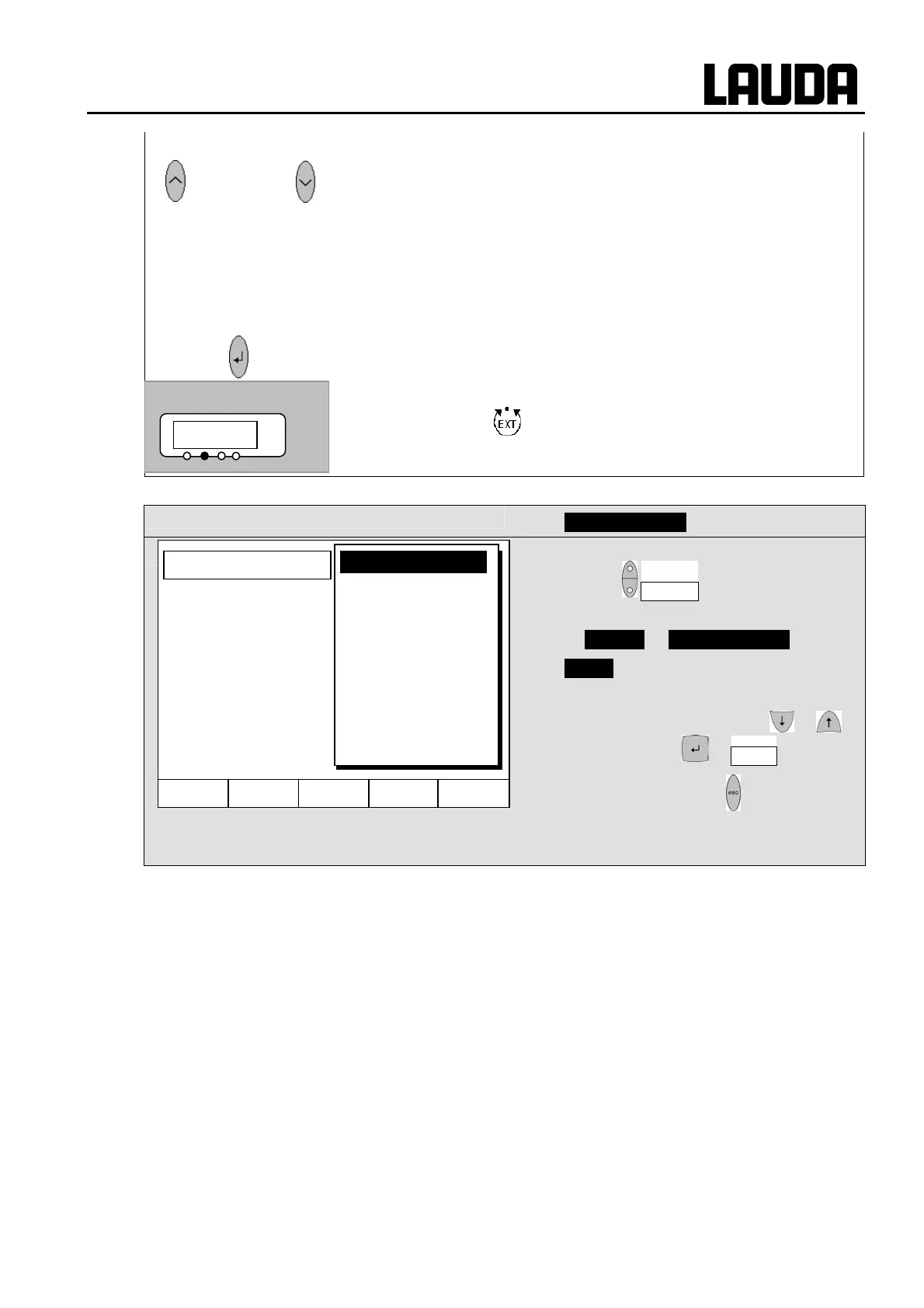
Command
− Control Variable
− Open the device parameter menu with the
soft key Menu .
− With the cursor keys, change further to
Æ Control Æ Control Variable .
− intern is currently active.
− Select other control variables (only
displayed when present) with or
and confirm with or End ,
− or quit the window with without making
any changes.
or
− Change temperature probe source:
−
0 for the internal probe,
−
DO only when an external probe is connected,
−
D@ only when an analog module is connected and configured,
−
DR only when a serial module is connected and is continuously
receiving actual values from a PC.
Wait 4 seconds or
− Display flashes 4 s Æ new value is automatically accepted, or
− value is immediately accepted with Enter key.
− If
DO D@ or DR has been selected,
then the green
LED indicates that the control has regulated to
the external temperature signal.
Hel
Menu End T
set
T
fix
intern
External Pt100
Analog module
Digital module
Control Variable
01!34
°C


 To Next Page