Proline Low-temperature Thermostats
YACE0072 / 21.08.07 Starting up 63
− Enter the desired limit temperature.
− Accept the change with ,
− or quit the window with without making
changes.
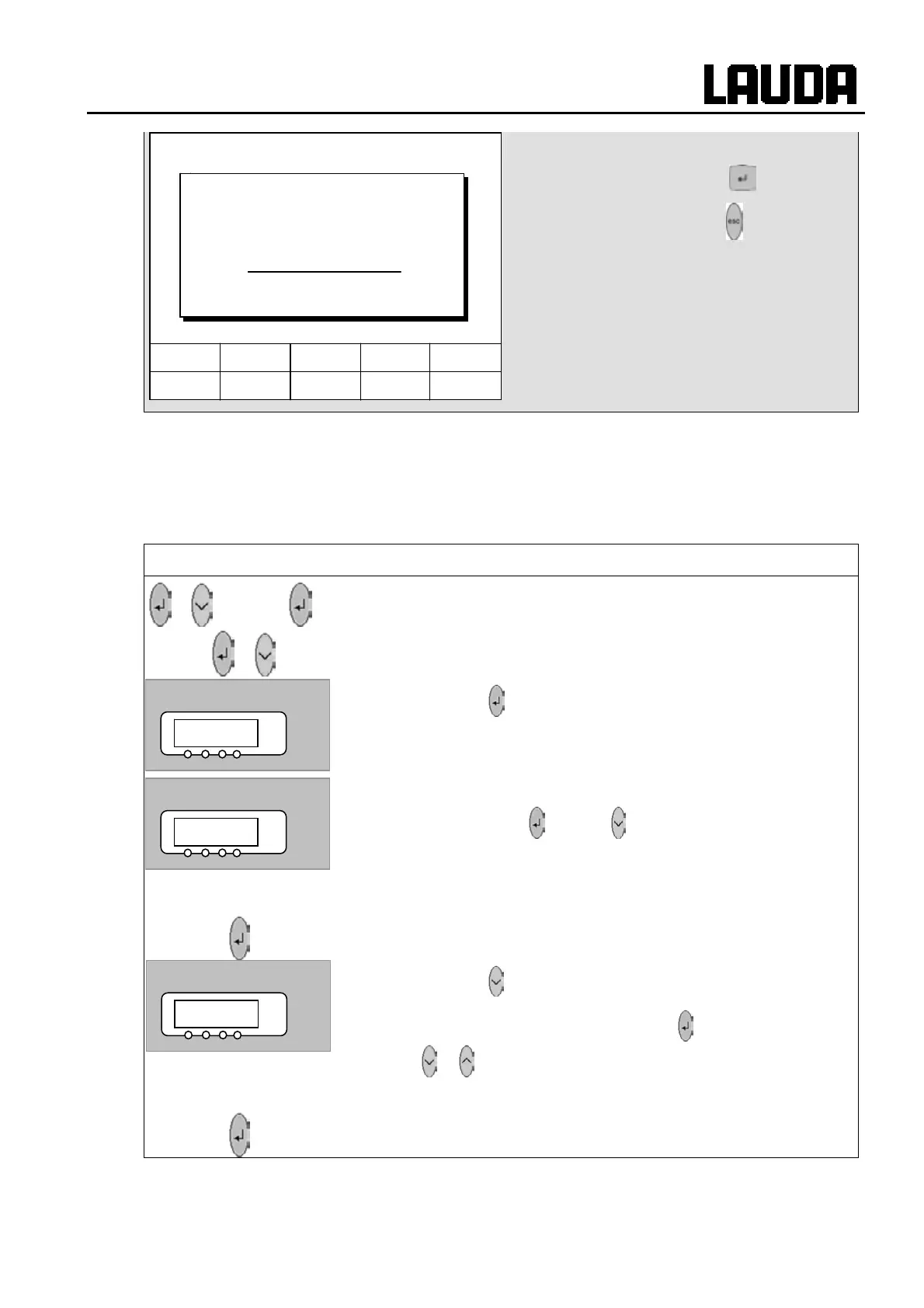
7.8.4 Setpoint offset operating mode
With this function it is possible to apply an offset value to the temperature provided by the external
temperature probe or a module and then to use it as the setpoint. The bath temperature can, for
example, be operated at -25°C below the temperature of a reactor, which is being measured by the
external temperature probe.
Master
RDro-
3x to LMDls
to
O@p@ 5x
−
RDro- in the following submenu, the relative setpoint (Set)
and the source of the actual value can be entered.
− Continue with
.
− The offset operating mode is currently deactivated.
− To activate it press
and with change to DO (external Pt100),
D@ (external via analog module) or DR (external via serial
module).
Wait 4 seconds or
− Display flashes 4 s Æ new value is automatically accepted, or
− value is immediately accepted with the Enter key.
− Continue with
. The left-hand window is displayed.
− To activate the relative offset input press
and change the value
with
or .
Wait 4 seconds or
− Display flashes 4 s Æ new value is automatically accepted, or
− value is immediately accepted with the Enter key.
Hel
Menu Screen T
set
T
fix
6 7 8 9 0
1 2 3 4 5
Lower limit (T il)
-50.0
Min: -50.0 °C Max: 301.0 °C
RDro-
°C
p /EE
°C
p/EER
°C



 To Next Page