LAUNCH X-431 V+ User’s Manual — Vehicle Diagnosis
22
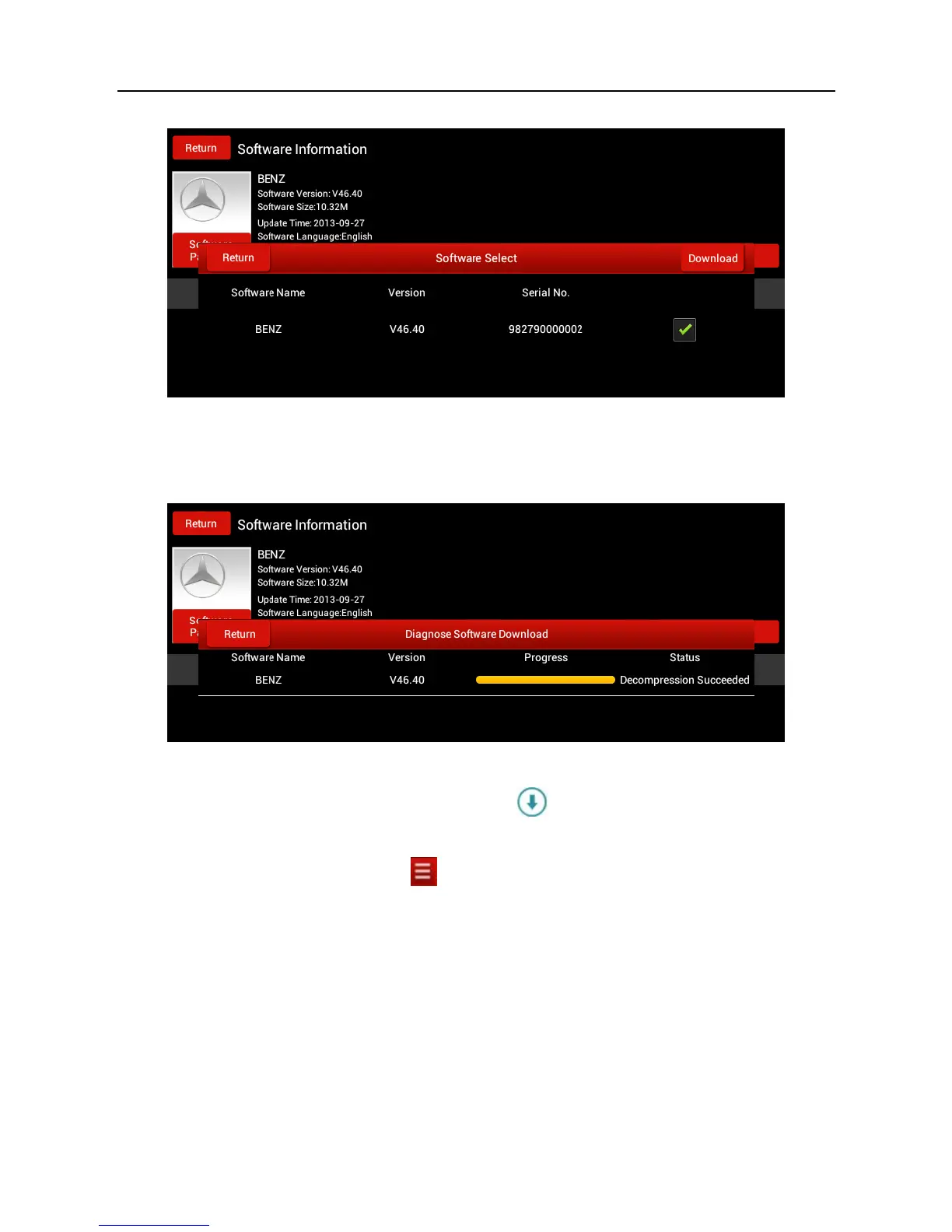
Fig. 4-11
Tap “Download” to start downloading. Once it is complete, a screen similar to the
following will be shown on the screen:
Fig. 4-12
Tap “Return” to the main menu screen. The
icon disappears from the lower
right corner of the vehicle name logo. See Fig. 4-13.
Alternatively, you can also tap
and choose “One Key Upgrade” from the
context menu to download your software. For details, please refer to Chapter
4.11 One Key Upgrade.



 To Next Page