LAUNCH X-431 V+ User’s Manual — Vehicle Diagnosis
20
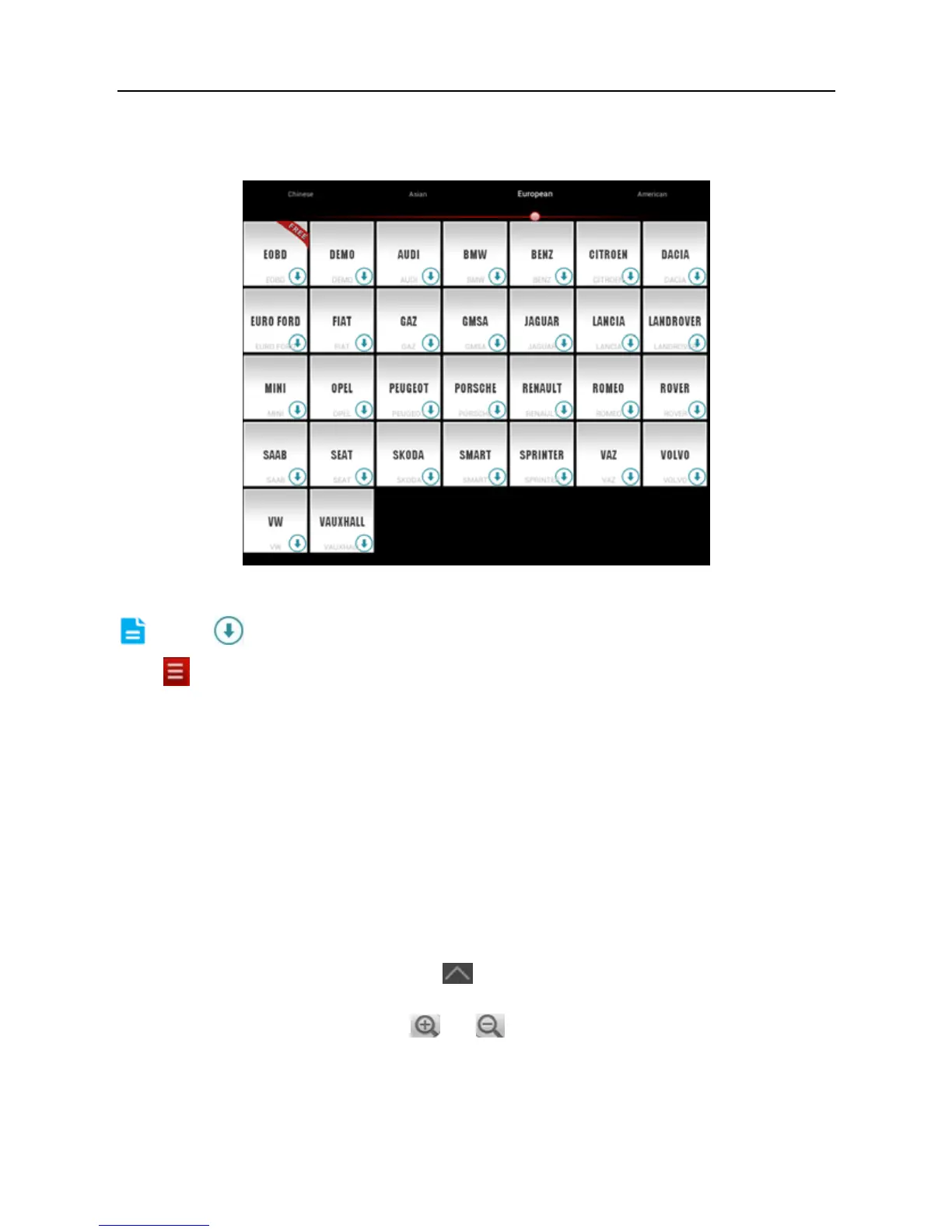
4.4.2 Software layout
Fig. 4-8
Note: indicates that this vehicle diagnosis software is downloadable.
Tap
to unfold function menu, it mainly includes the following items:
Diagnose: to enter vehicle diagnosing function.
Maintenance Database: to provide a large amount of service data for car
owners and maintenance personnel to make reference and review.
My Data: to view diagnostic report and operation log.
What’s New: to view the Launch’s latest information and product trends.
Customer Management: to manage customer’s information, including add new
customer and remote diagnosis etc.
One Key Upgrade: It enables you to perform online software update.
Account: To maintain and manage your personal information.
More: To view software version and user’s manual.
While accessing other menus, tap
shown on the bottom of the screen to
extend the display window.
While browsing information, tap
or to zoom in or zoom out.
4.5 Download diagnostic software
Before diagnosing a vehicle, you have to download the corresponding vehicle



 To Next Page