LAUNCH X-431 V+ User’s Manual — Vehicle Diagnosis
34
Delete: To delete the current report;
Character: To view the diagnostic report in character form.
Graph: To view the diagnostic report in waveform form.
4.8.2 Operation record
This item records all your operations. It mainly includes the following information:
connector serial number, operation date and check vehicle brand etc.
4.9 What’s New
This option allows you to view the latest information and news from Launch.
Tap “What’s New” and the system will display the relevant information title. Tap
the desired title to view the details.
4.10 Customer Management
This function enables you manage your customer information.
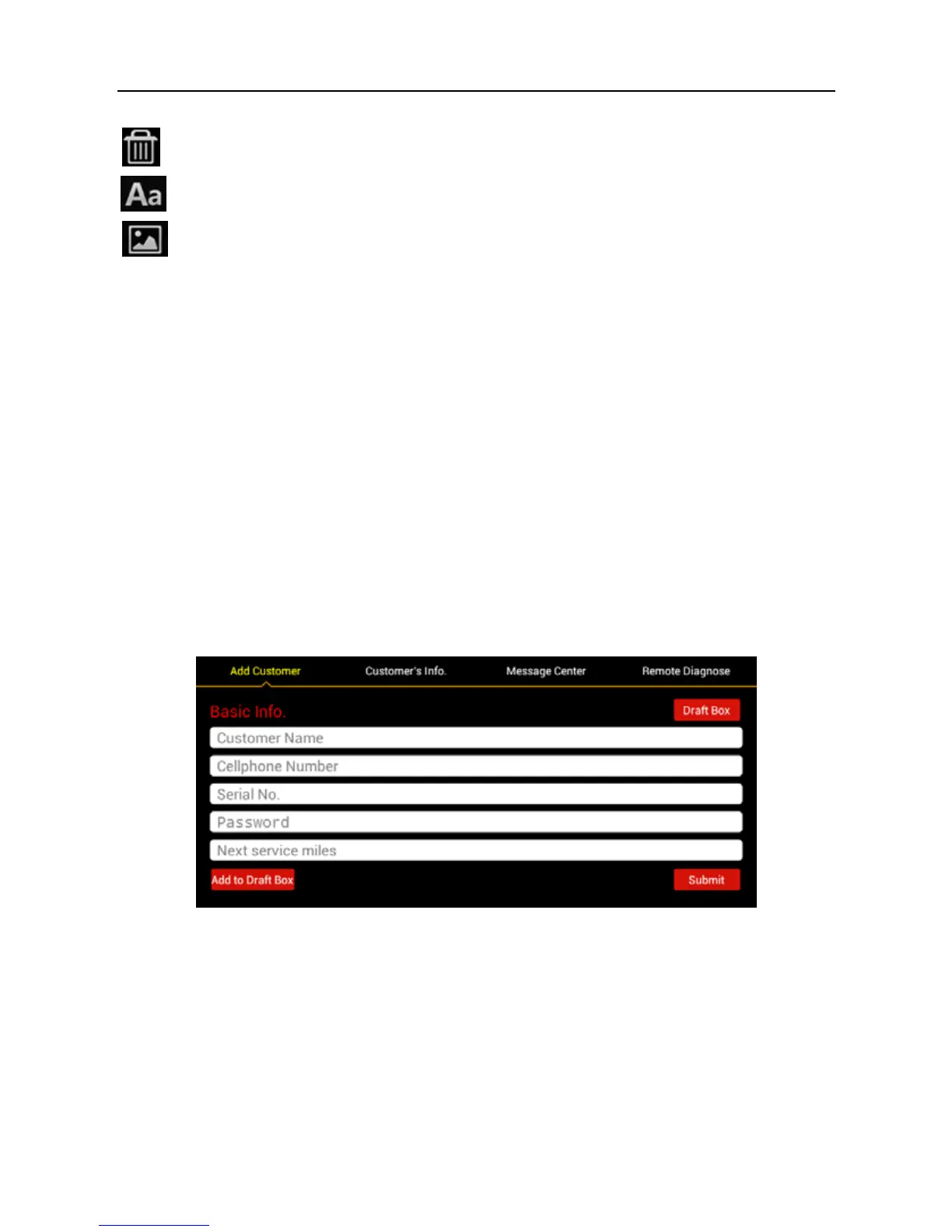
Tap “Customer Management” to enter Fig. 4-26:
Fig. 4-26
Add Customer: to create customer’s data.
Customer’s Info.: to view and modify the customer’s information (Where Serial
No. and Password described in Basic Info. indicate that of the GOLO diagnostic
connector). The next service miles setting is also supported.
Message Center: It is designed for repair shops to send some sales promotion
or activities to customers.
Remote Diagnosis: to receive vehicle diagnostic report from customers for



 To Next Page