LAUNCH X-431 V+ User’s Manual — Others
48
d) Tap
to rotate or crop it.
3. Tap Save, the edited picture will also be saved in the same folder in which
the original picture lies.
5.6 Music
Enter main menu screen, and tap to enter. Music files are stored into 4
categories: Artists, Albums, Folders and Playlist.
1. Tap the desired music type. Open music file list.
2. Tap the desired audio files to start playing.
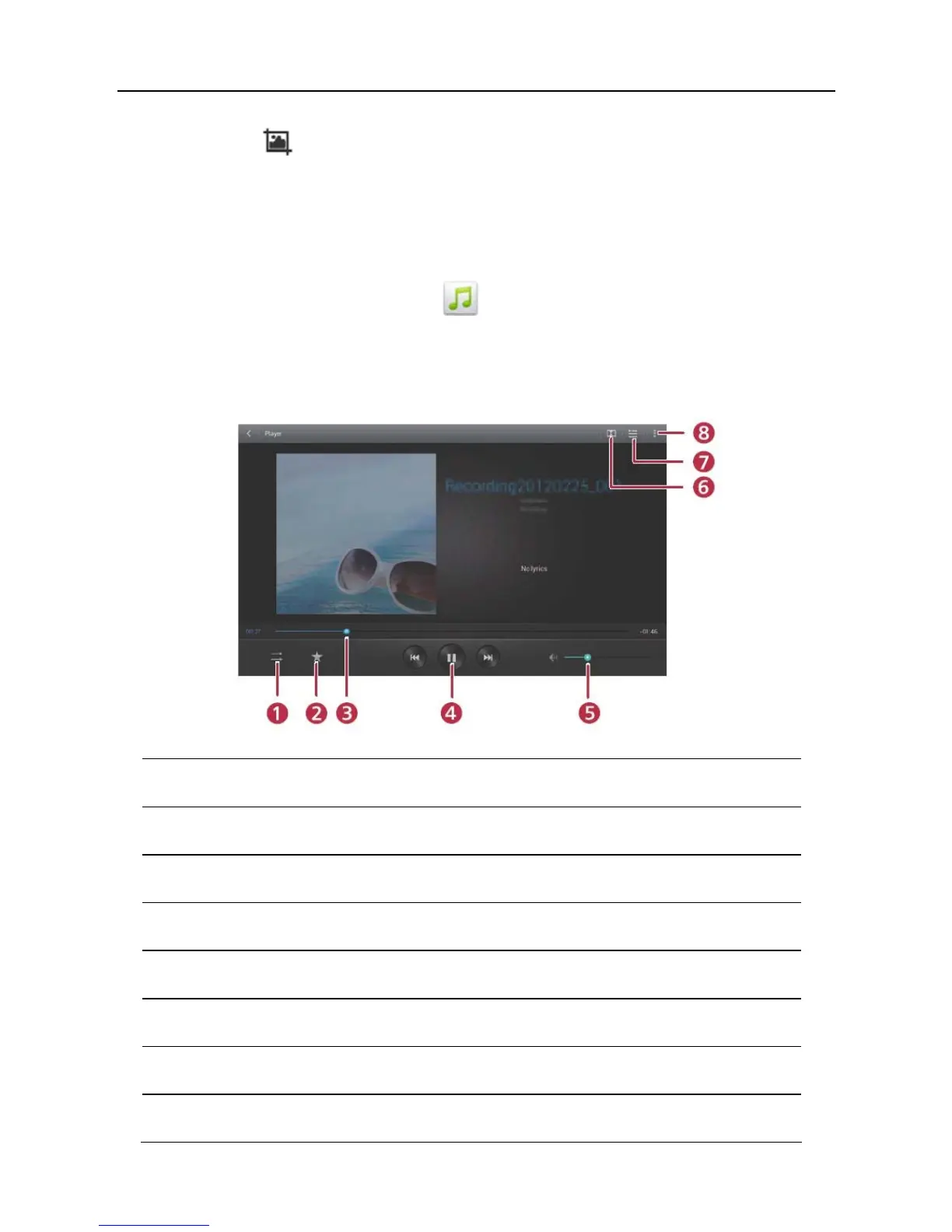
1 To switch between different play modes.
2 To add it to my favorite playlist.
3 Progress bar
4 To play/resume.
5 To adjust volume.
6 To set Dolby digital plus mode.
7 To open the current playlist.
8 To view more options.



 To Next Page