LAUNCH X-431 V+ User’s Manual — Vehicle Diagnosis
23
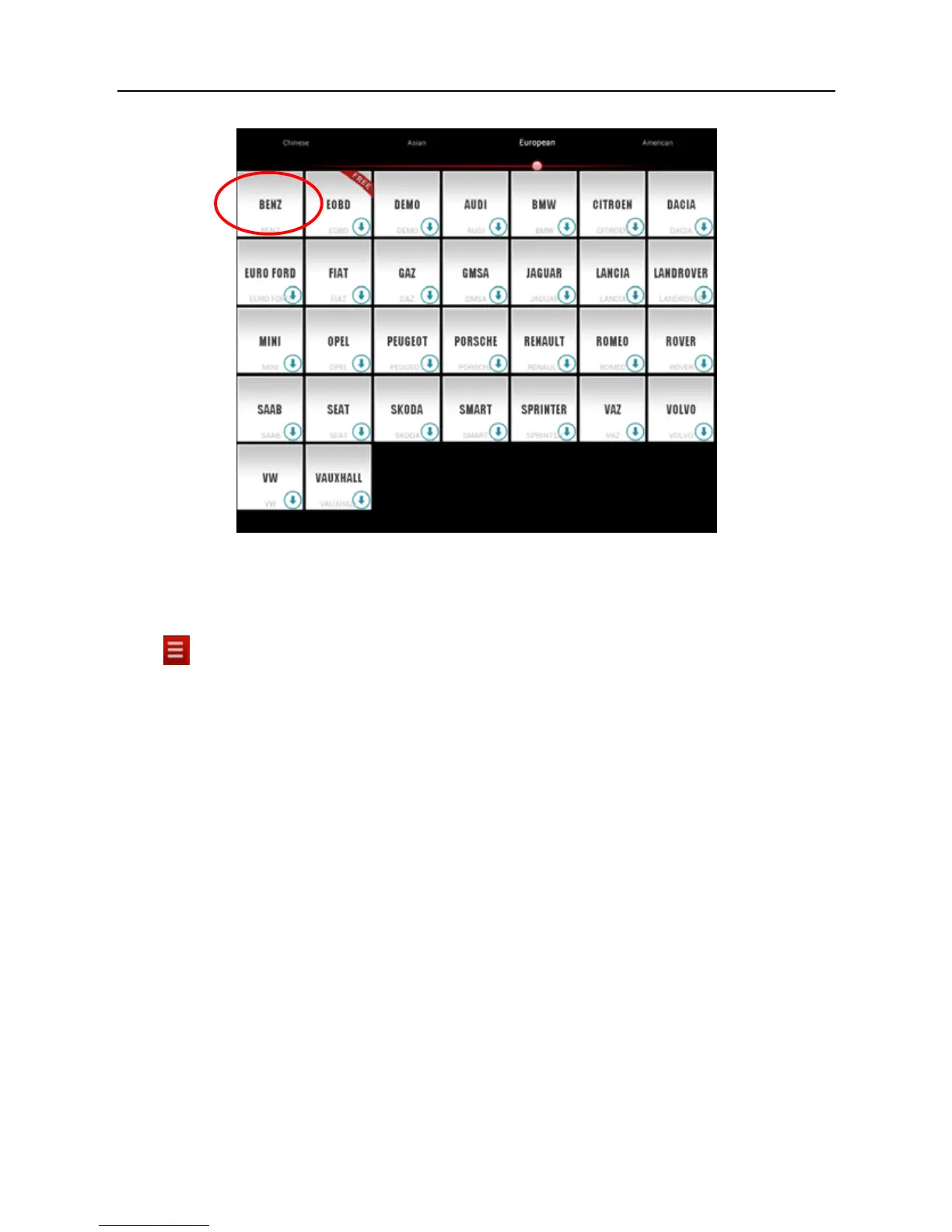
Fig. 4-13
4.6 Start diagnosing
Tap on the main menu screen, and then choose “Diagnose” to enter the
vehicle selection page.
Take Demo as an example to demonstrate how to diagnose a vehicle.
Tap “Demo”, the system will prompt you to make Bluetooth pair firstly (if no
Bluetooth pair is made in “Settings”, “Not Connected” and “Not Paired” will be
displayed next to the Bluetooth device). If Bluetooth pair has been done, “Not
Connected” but “Paired” will appear on the screen. See Fig. 4-14.



 To Next Page