LAUNCH X-431 V+ User’s Manual — Vehicle Diagnosis
24
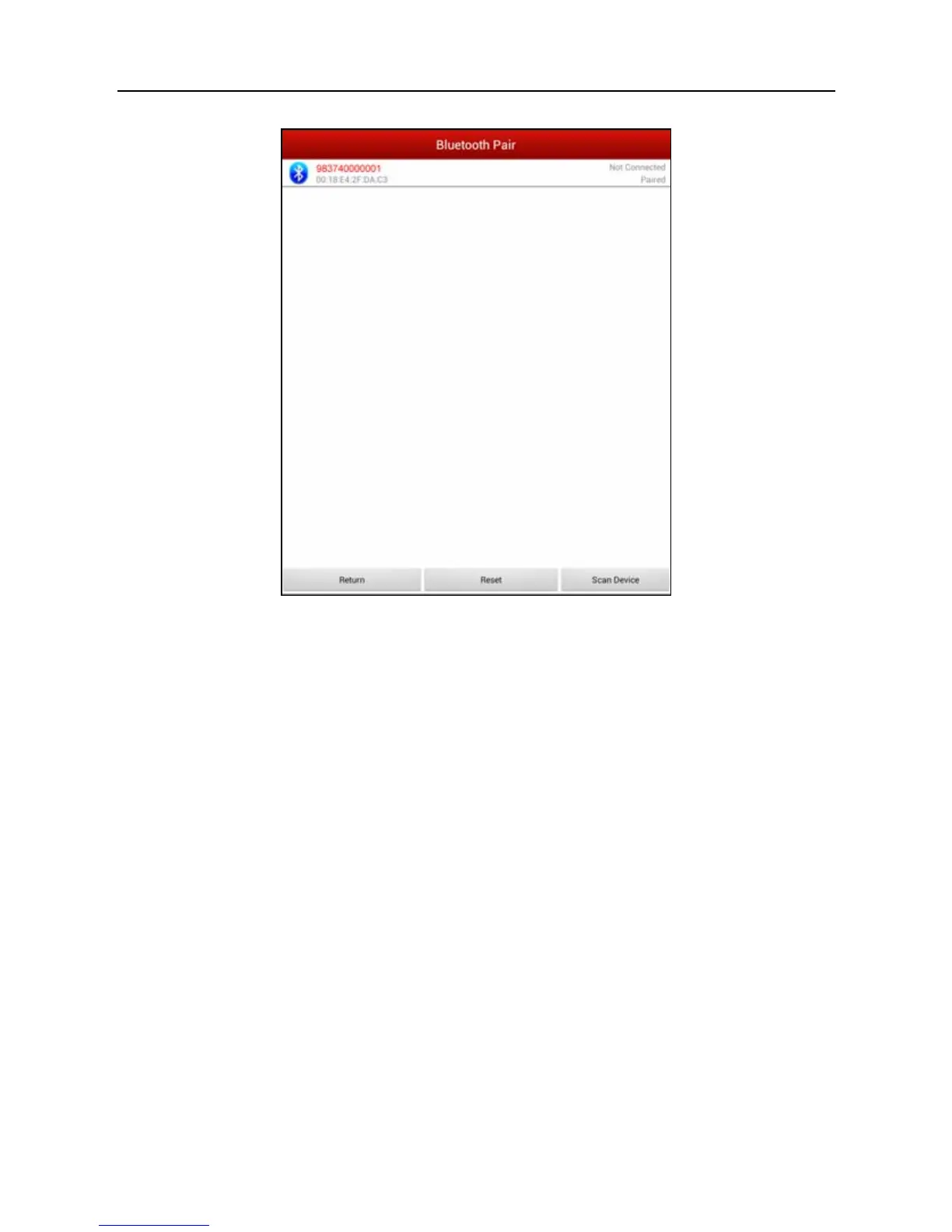
Fig. 4-14
Tap the desired connector to start connecting. If successful, a pop-up message
“Connected to 98374*****00” will be shown.
After Bluetooth is properly connected, the system will enter software version
selection screen. See Fig. 4-15.



 To Next Page