LAUNCH X-431 V+ User’s Manual — Vehicle Diagnosis
19
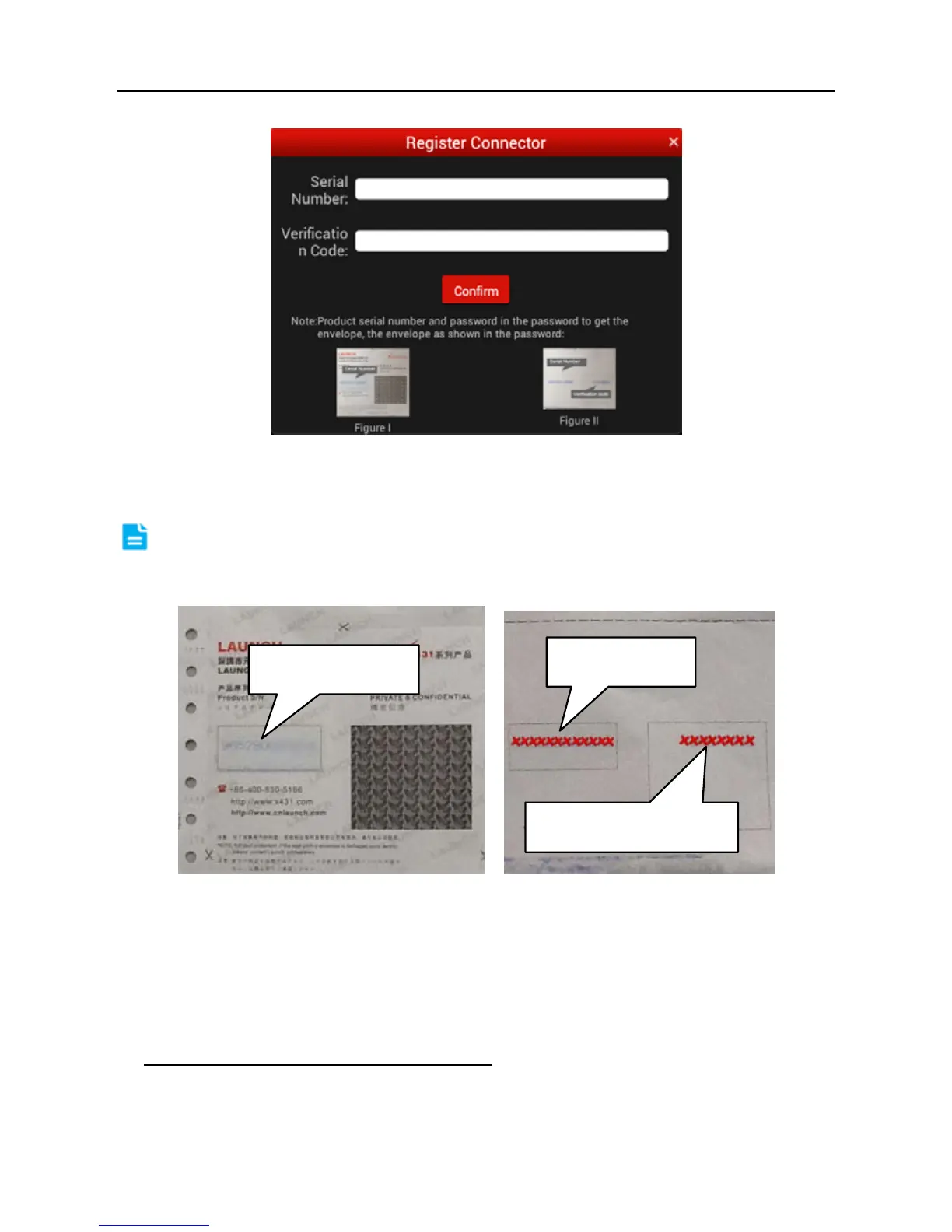
Fig. 4-6
Input the Serial Number and Verification Code, and then tap “Confirm”.
Note: The Serial Number and Verification Code can be obtained from the
password envelope. See Fig. 4-7.
Fig. 4-7
To exit and register it later, tap “No connector”.
Alternatively, you can also register your connector by tapping “Register
Connector” in “Account”. For details, please refer to Chapter 4.13.1 DBScar
connector registration.
2. If you have registered to be a member,
input your name/CC and password in
Fig. 4-3, and then tap the “Log In” button to enter the main menu screen directly.
Product SN
Verification code
Product SN



 To Next Page