LAUNCH X-431 V+ User’s Manual — Vehicle Diagnosis
18
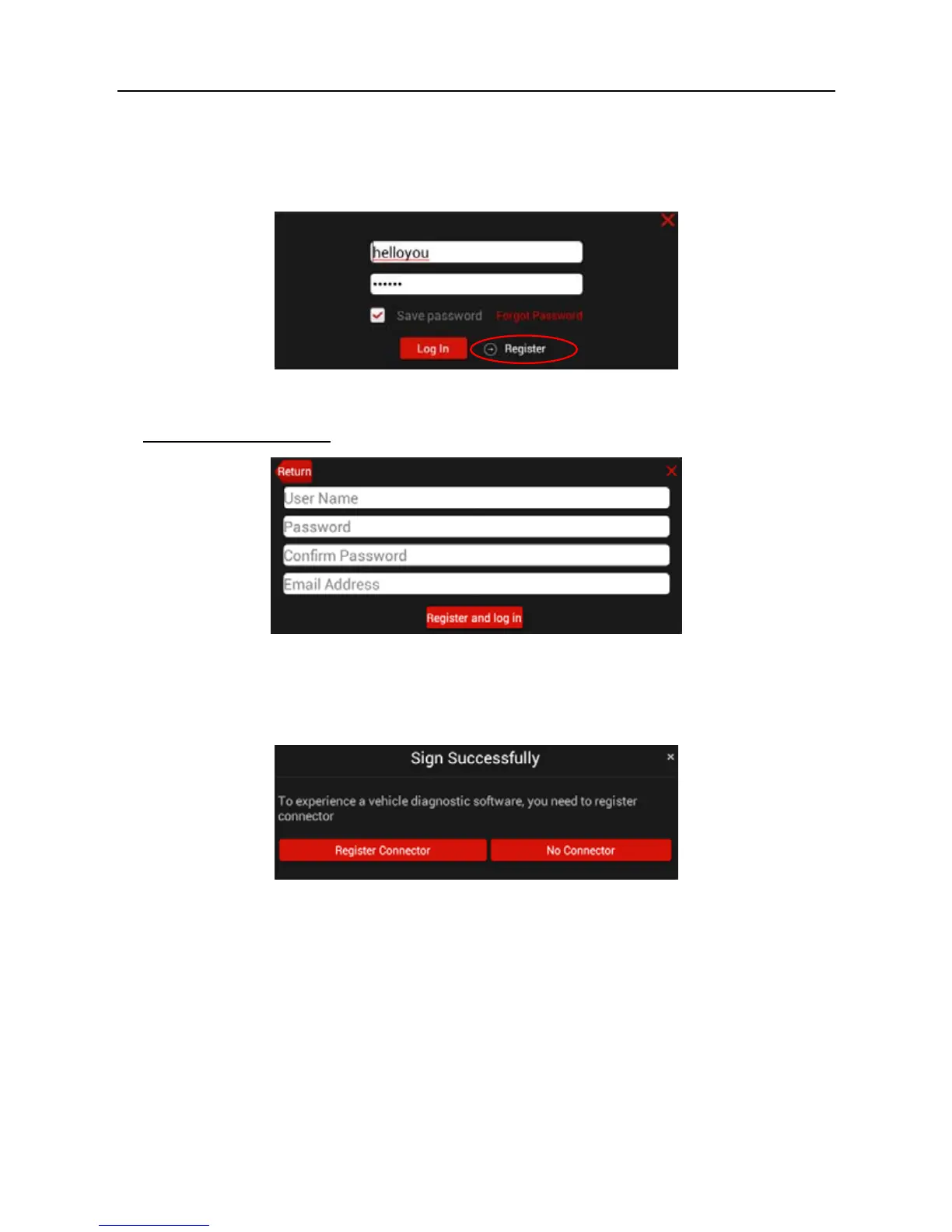
will pop up on the window. Tap “I’ve read it” to enter main menu screen, tap “Log
In” located at the upper right corner of the screen to enter a screen as indicated
in Fig. 4-3.
Fig. 4-3
1. If you are a new user
, tap Register to enter registration page. See Fig. 4-4.
Fig. 4-4
In Fig. 4-4, fill in the information in each field. After inputting, tap “Register and
log in”, a prompt message similar to the following will appear:
Fig. 4-5
In Fig. 4-5, tap “Register Connector” if you want to experience vehicle diagnostic
software. See Fig. 4-6.



 To Next Page