6
LAUNCH
2. Product Descriptions
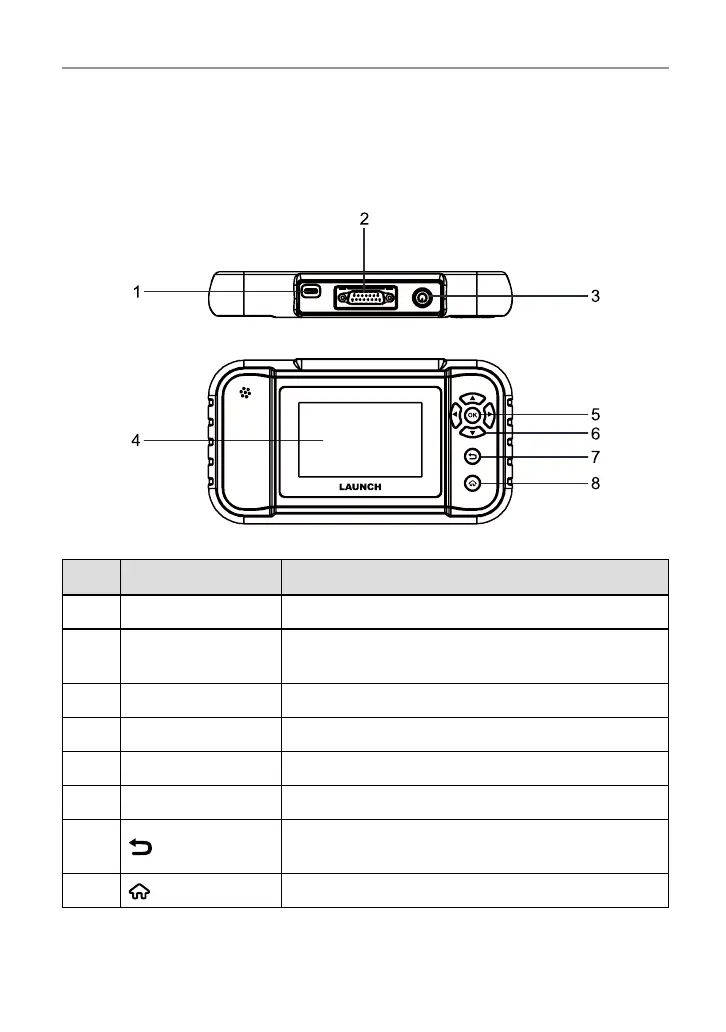
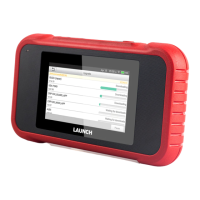
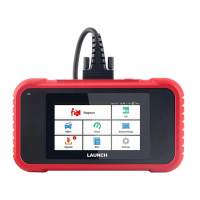
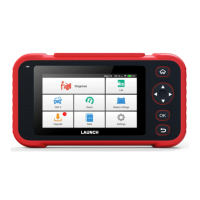
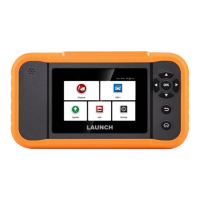
2.1 Components & Controls
No. Name Descriptions
1 Charging port Charge the tool via data cable (not included).
2
DB-15 diagnostic
connector
Connect the diagnostic cable.
3 Power button Turn on/o the tool.
4 Touch screen Indicate the test results.
5 OK button Conrm a selection (or action) from a menu list.
6 Selection buttons Move the cursor up/down or turn page up/down.
7
BACK button
Exit the current program or return to the previous
screen.
8
HOME button Navigate to the home (Job menu) screen.




 To Next Page