9
LAUNCH
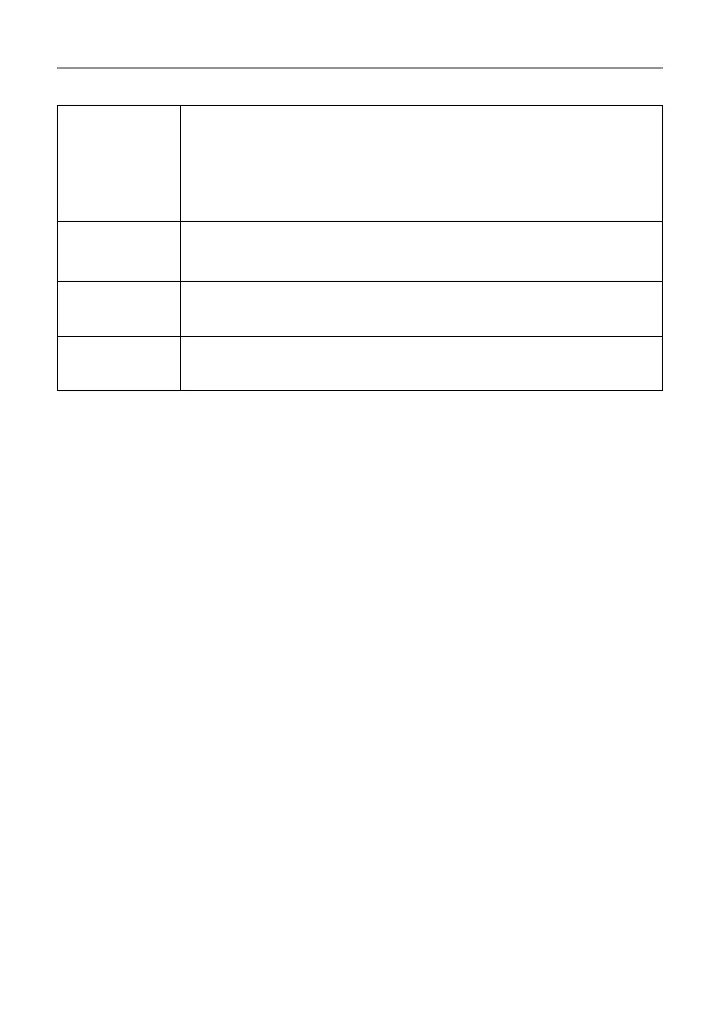
OBD II
This option presents a quick way to check for DTCs, isolate
the cause of the illuminated Malfunction Indicator Lamp (MIL),
check monitor status prior to emissions certification testing,
verify repairs, and perform a number of other services that are
emission-related.
Upgrade
To update vehicle diagnostic software and APK.
*Note: This function requires a stable network connection.
Mall
To subscribe extra vehicle diagnostic software or reset (special
function) software that are not included within the tool.
Settings
To manage data and make some system settings, including
Network setup, Workshop information and Brightness etc.




 To Next Page