Page 15PROTECTOR® IV Top of Rail Installation, Operation & Maintenance Manual
<.8<9"C$,,3.
`3*##$/1&)4*&./7.S&>2))./&5$66&%"2#*&)4*&)3$G%.6.3&CBm&).&)23/&13**/@&"/;&)4*&C-m&;$#<6"(&)..5&iE"$6&
Technologies” for several seconds. In addition to this, the control box revision is displayed (e.g. REV
6.3) and also the battery voltage. Next the LCD will display the controller’s state, including cumulative
wheel count and number of wheels until next pump activation. This will display for ten seconds before
#5$)%4$/1&).&)4*&/*d)&#%3**/&;$#<6"($/1& <2+<&;23")$./&"/;&83*H2*/%(9&D4*&C-m&5$66&)4*/&)23/&.S9&
Pressing either the up or down arrow button, will toggle through wheel count, wheel frequency and
pump duration.
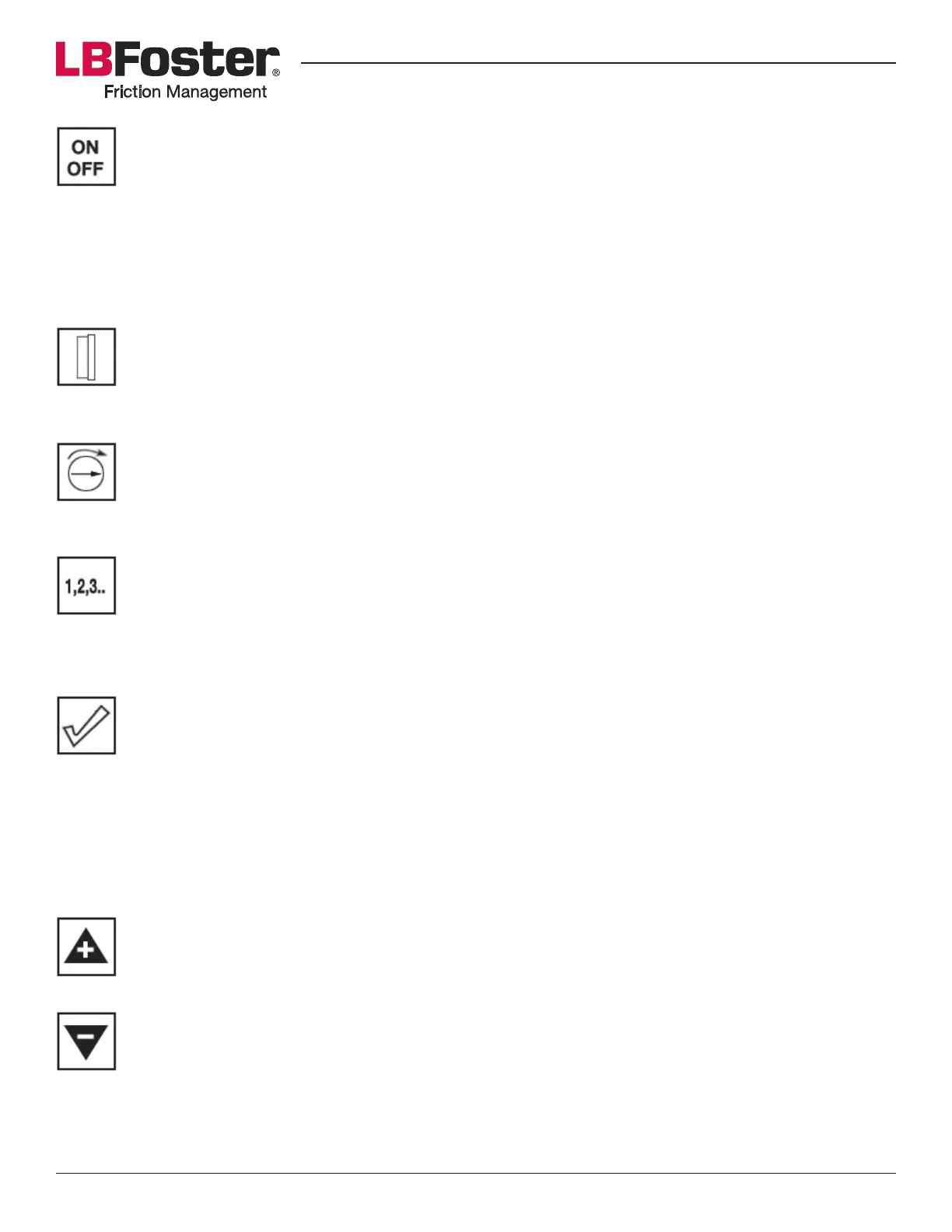
Wheels Button
When pressing the wheels button it will display the number of wheels required to pass the wheel
sensor to activate the pump. This number can range from 1 to 256. The number can be changed by
using the up or down arrow buttons, with increments/decrements of one.
Pump Button
By pressing the pump button it will display pump duration; the length of time the pump operates per
activation. This duration can range from 0.05 to 1.95 seconds. The number can be changed in 0.05
second increments using the up or down arrow buttons.
Test Button
When pressing the test button, wheel frequency and pump duration will be displayed. This display
will last for six seconds before beginning a countdown of remaining wheels left to pass before pump
activation. When the counter reaches zero the LED will turn red, the pump and motor will run for the
#*)&;23")$./&"/;&)4*&;$#<6"(&5$66&)4*/&)23/&.S9
Counter Button
:4*/&<3*##$/1&)4*&%.2/)*3&>2))./&)4*&).)"6&54**6&%.2/)&5$66&>*&;$#<6"(*;@&)4$#&5$66&3*+"$/&8.3&0?*&
minutes. Pressing a second time will display total pump time for ten seconds before the display turns
.S9&`3*##$/1&"/;&4.6;$/1&)4*&%.2/)*3&>2))./&;$#<6"(#&54$%4&;$3*%)$./L#R&)4*&#+"3)&54**6&#*/#.3&$#&
"%)$?*9&F&;$S*3*/)&.<)$./&$#&;$#<6"(*;&*"%4&)$+*&)4*&%.2/)*3&>2))./&$#&<3*##*;e&F&).&!@&!&).&F@&"/;&F&
or B. If set as A to B the axles will only be counted when the train passes over smart wheel sensor
F&03#)@&>2)&5$66&/.)&%.2/)&"d6*#&8.3&)3"$/#&<"##$/1&.?*3&#*/#.3&!&03#)9&!&).&F&;.*#&)4*&.<<.#$)*e&./6(&
%.2/)$/1&"d6*#&$8&)4*&)3"$/&<"##*#&)4*&!&#*/#.3&03#)9&J8&)4*&m-!&$#&#*)&).&F&.3&!@&)4*&"d6*#&5$66&>*&%.2/)*;&
regardless of the direction of train travel.
Up Arrow Button
Pressing the up arrow button will increase the count of the current display.
Down Arrow Button
Pressing the down arrow button will decrease the count of the current display.


 To Next Page