14 Chapter 2– Turn on Your Camera Back and Camera
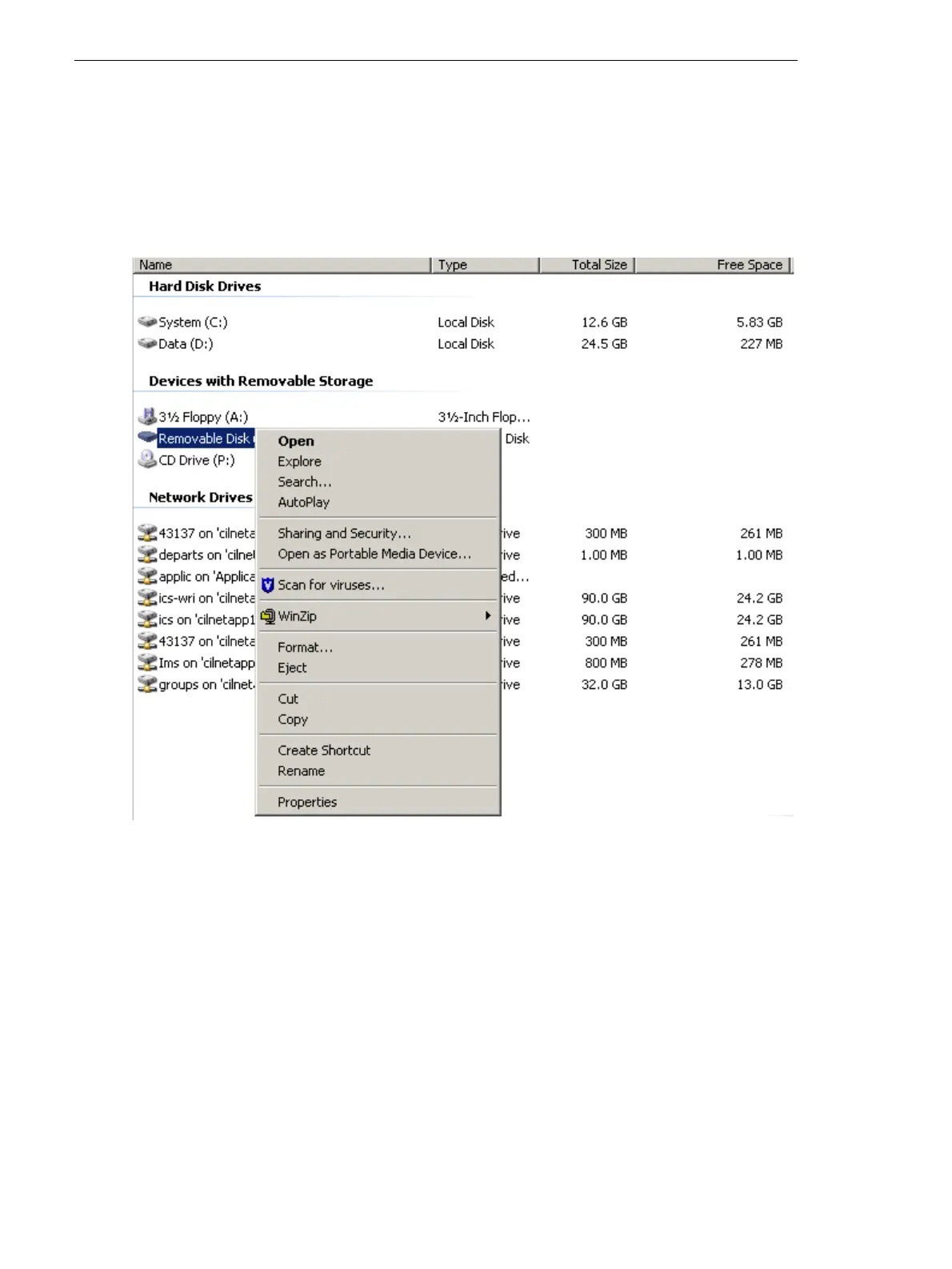
Formatting a Compact Flash Card With Windows
1. Insert the compact flash card in a card reader.
2. Using a FireWire cable, connect the card reader or Leaf Aptus digital
camera back to the computer.
3. On the desktop, click My Computer.
4. Right- click the removable disk, and from the menu, select Format.



 To Next Page