Formatting a Compact Flash Card 15
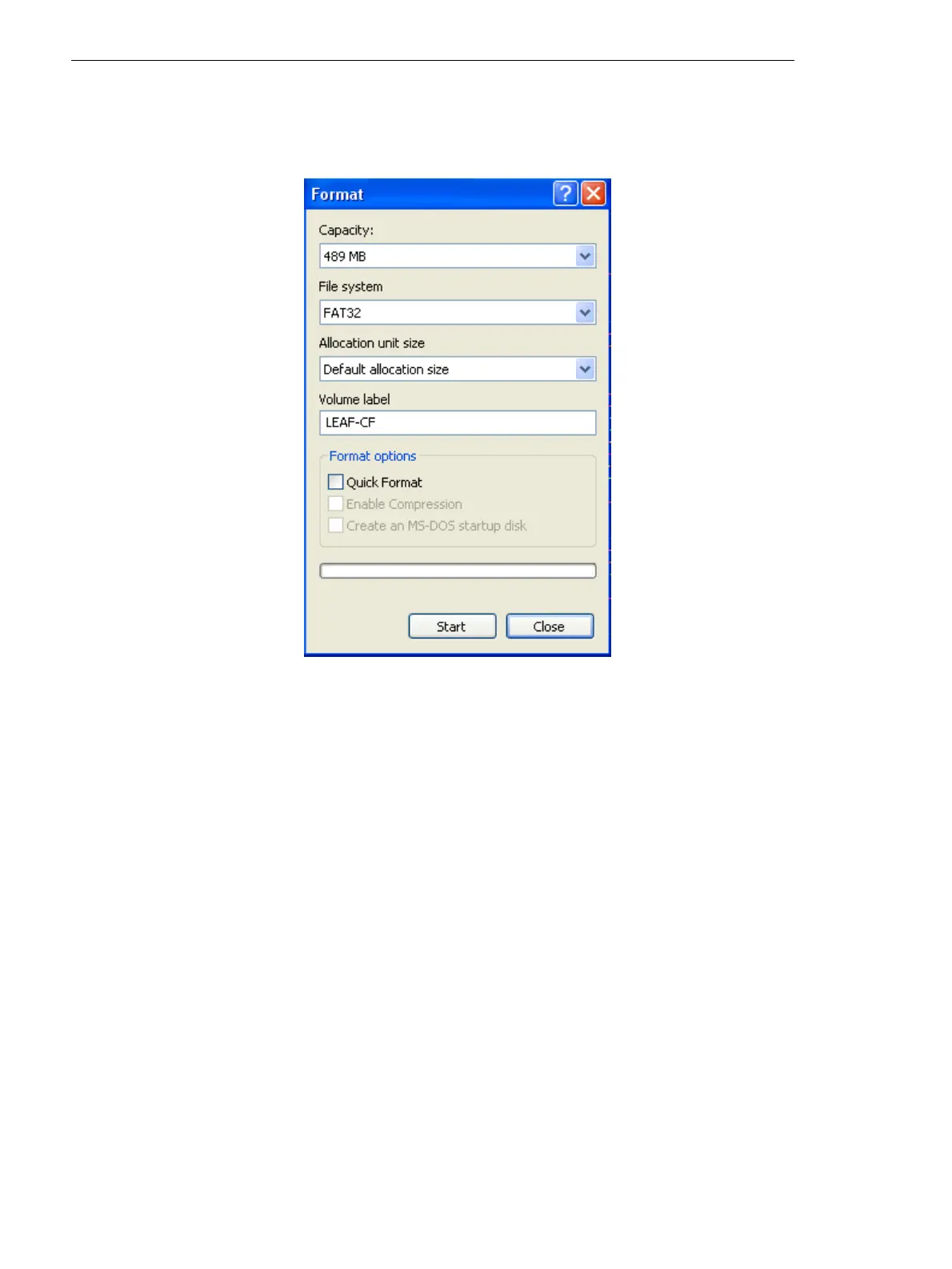
5. In the Format dialog box, in the File System box, select FAT 32.
6. In the Volume label box, type LEAF-CF.
7. Ignore the Format options area, and click Start.
8. When the format procedure is complete, go to the desktop and click
My Computer.
9. Right- click the removable disk, and from the menu, select Eject.



 To Next Page