USER’S MANUAL
OBDII Auto Scanner
14
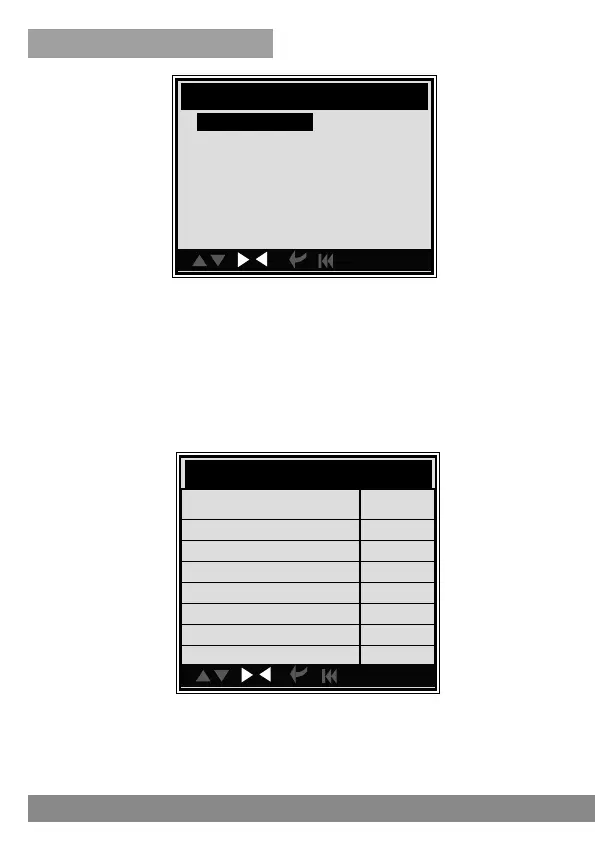
Press [ESC] to back to the Main Menu of Diagnostic, the screen will
display as following.
con.
Mo nitor Status
MIL status
OFF
DTCs in this ECU 5
Readiness supported 6
Readiness complete 0
Readiness not supported 4
Datastream supported 20
Ignition Spark
Protocol type VPW
4.2 OBDII Diagnose
Select [OBDII Diagnose] in Main Menu and press [ENTER], the screen will
display Monitor Status interface as following.
CAUTION: Don't connect or disconnect any test equipment with ignition on
engine running.
con.
Main Menu
OBDII DIAGNOSE
BMW
DTC LOOKUP
REVIEW HISTORY
TOOL SETUP
HELP



 To Next Page