USER’S MANUAL
OBDII Auto Scanner
23
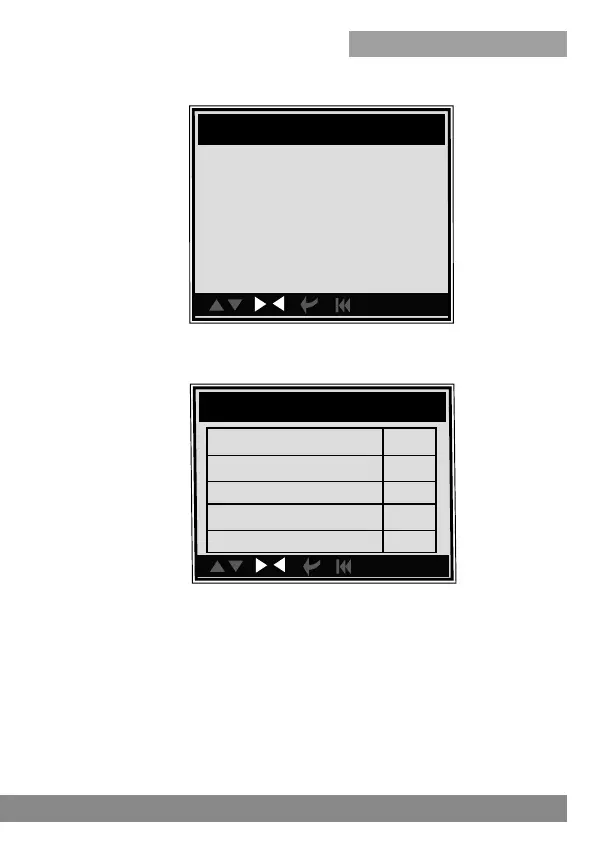
You can use [UP] [DOWN] button to select an item and press [ENTER],
the screen will display as shown below:
con.
Ri ch to l ean s ensor(V)
con.
Bank1-Sensor2
Rich to lean sensor(V)
Lean to rich sensor(V)
Rich to lean sensor time
Minimum sensor voltage
Maximum sensor voltage
Test ID $01
Test value 0.664V
Minimum limit 0.664V
Maximum limit 0.000
Status Pass
Press [ENTER] button, the screen will display as shown below:
4.2.7 On-board monitor test
This function can be utilized to read the results of on-board diagnostic
monitoring tests for specific components/systems.
Select [On-board Monitoring] in main menu and press [ENTER] and the
screen will display as shown below:
Press [ESC] to return to Diagnostic Menu.



 To Next Page