USER’S MANUAL
OBDII Auto Scanner
18
Datas tream
View All Items
Select Items
View Graphic Items
4.2.4 Data Stream
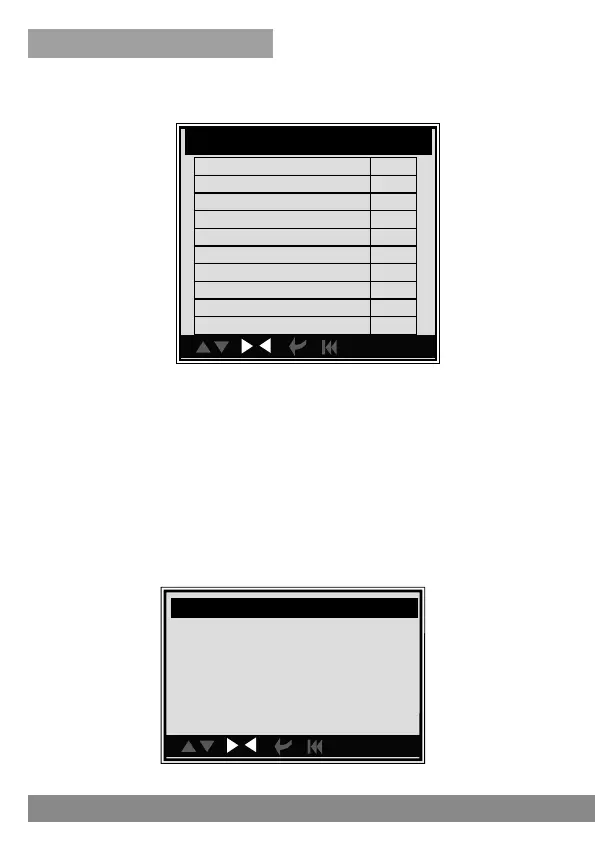
Press [UP] or [DOWN] button to select Data Stream in Main Menu
interface and then press [ENTER] button to confirm, the screen will display
the interface as shown below:
You can use [LEFT ] [RIGHT ] button to view other data of vehicle. Press
[ENTER] to return to Diagnostic Menu.
N/A means not available on this vehicle, INC means incomplete or not
ready, OK means Completed or Monitor OK.
con.
I/ M Readiness
Misfire monitor OK
Fuel system monitor N/A
Comprehensive component monitor OK
Catalyst monitor OK
Heated catalyst monitor N/A
Evaporative system monitor OK
Secondary air system monitor N/A
Oxygen sensor monitor OK
Oxygen sensor heater monitor N/A
EGR and/or VVT sensor monitor OK
1/2
You can use [UP] or [DOWN] button to select and press [ENTER], the
screen will display the interface as shown below:



 To Next Page