USER’S MANUAL
OBDII Auto Scanner
21
D ata Stream
Max
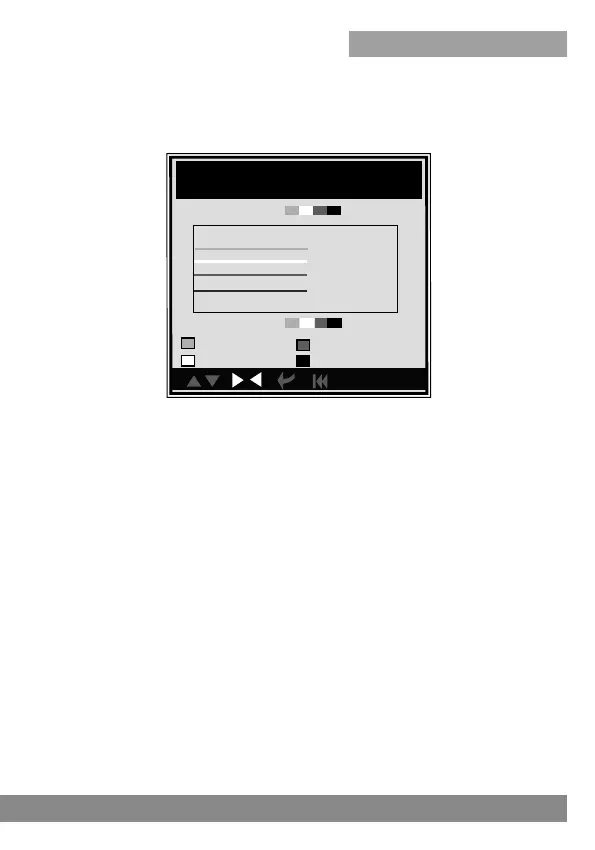
You can use [UP] [DOWN] button to select single data stream items to
view item of live data with a graph, and press [ENTER] button, the screen
will display the interface as shown below:
Press [ESC] to return to Diagnostic Menu.
You can view all data stream items or select a certain item of live data with
a graph.
Min
LOAD-PCT=2.0%
4.2.5 View Freeze Frame
When an emission-related fault occurs, certain vehicle conditions are
recorded by the on-board computer. This information is referred to as
freeze frame data. Freeze Data is a snapshot of the operating conditions
at the time of an emission-related fault.
Note: if DTCs were erased, Freeze Data may not be stored in vehicle
memory depending on vehicle.
Select [Freeze Frame] in main menu interface, the screen will display the
interface as shown below:
red
green
pink
black
ECT=-35C
SHRTFT1=-96.1%
LONGFT1=-98.1%
2.0
-35
-96.1
-98.1
2.0
-35
-96.1
-98.1
Note: There are four lines with different color: red, green, pink, black, they
stand for different datastream choosed.



 To Next Page