USER’S MANUAL
OBDII Auto Scanner
31
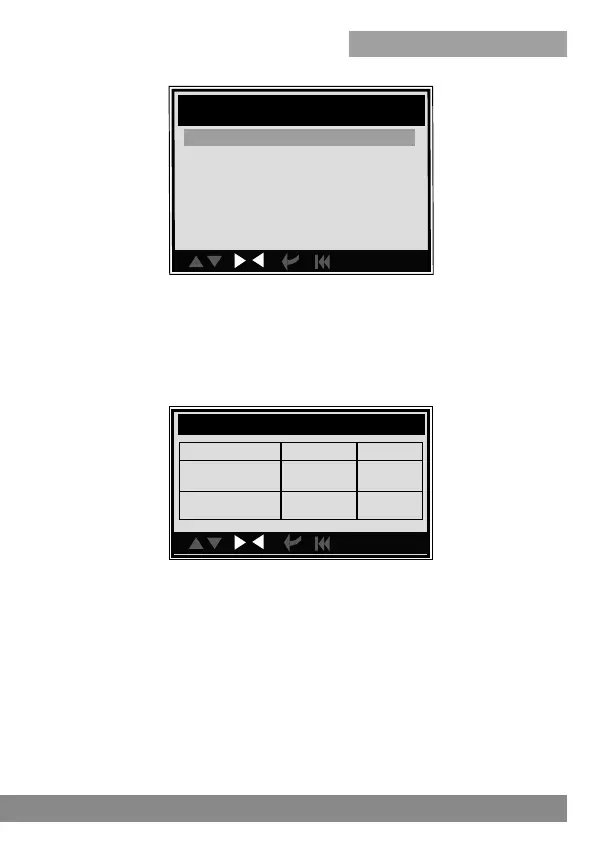
The recorded DTC will be displayed as shown above.
You can use [UP] [DOWN] key and press [ENTER] button to view detailed
information,
2). Review Data stream
The operation is similar to the "Review DTC" function.
3). Review Freeze Frame
The operation is similar to the "Review DTC" function.
CAUTION: About the record function, please view the chapter Tool Setup
1). Review DTC
Select [Review DTC] in the Review and press [ENTER] and the screen will
display the interface as shown below:
con.
Review DTC
Date & Time DTC No. DTC Type
2010-05-10(18:42:05)
LCGJD52E76H238456
18 Current
2010-05-10(18:42:05)
LCGJD54S74Q236546
18 Pending
con.
Review History
Review DTC
Review Datastream
Review Freeze Frame
Delete DTC Data
Delete Datastream
Delete Freeze Frame



 To Next Page