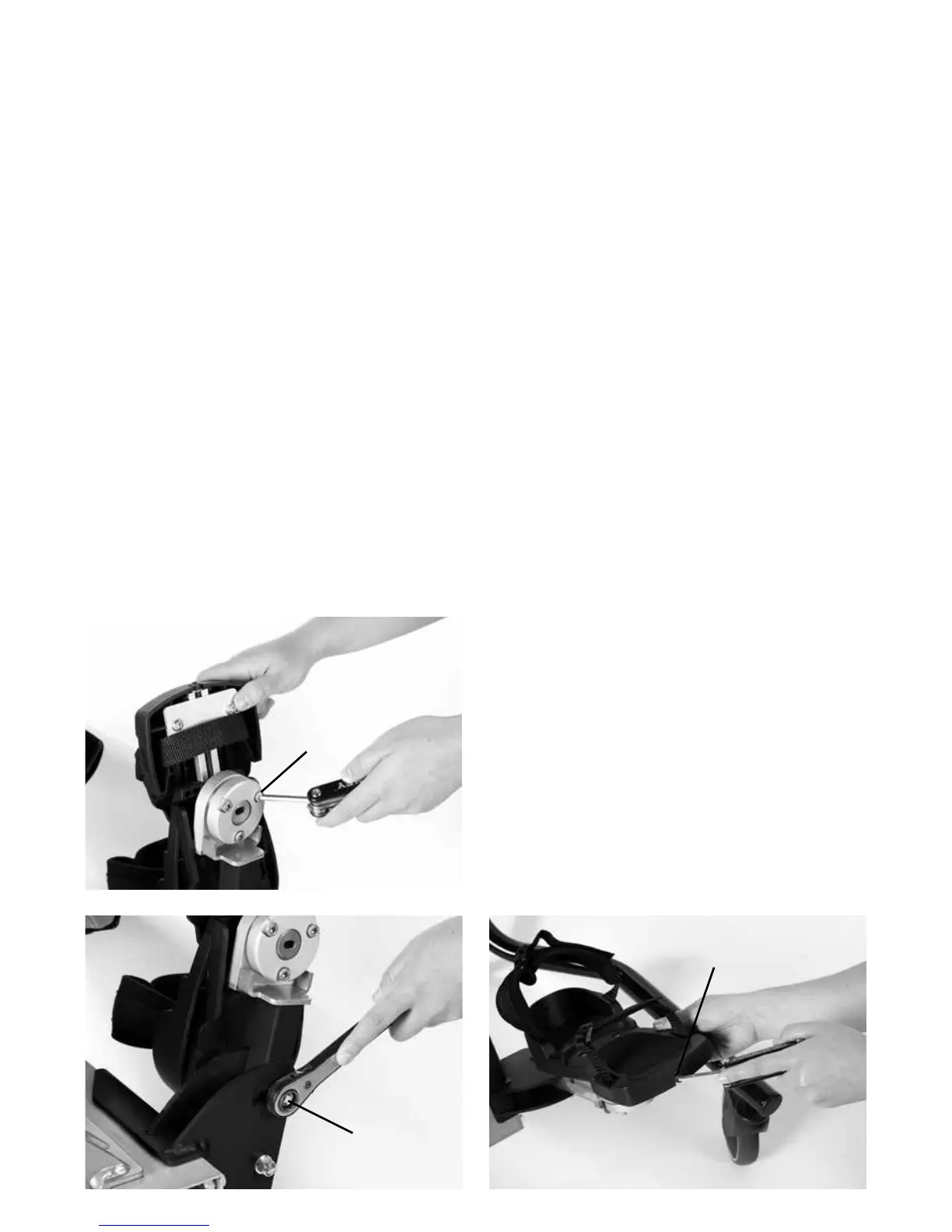
Loosen the three screws at the bottom of the
ball and socket joint (a). Swivel and adjust
footplate to required position and tighten
screws.
The footplate can also be adjusted to
accomodate leg position by loosening screw
(b) then you can slide left, right, backwards
and forwards. To move footplate up and
down, loosen the screw at the front of the
footplate, slide into position and retighten (c).
8.6 Adjusting the 3D
Footplates
A
B
C


 To Next Page