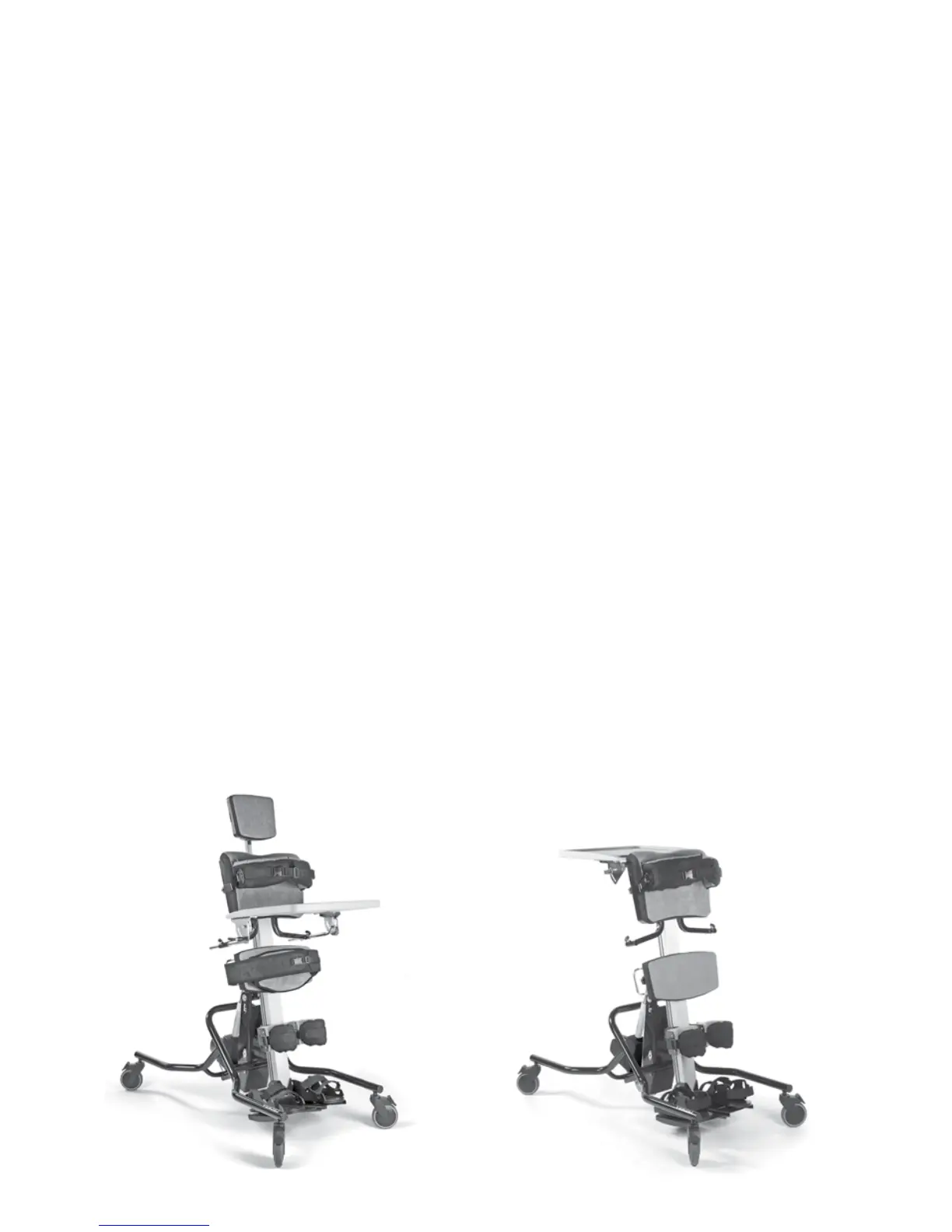
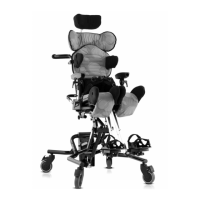
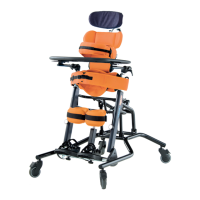
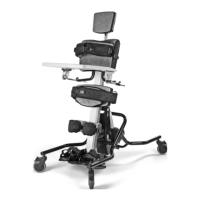
To convert the Leckey Horizon Stander to
the prone version, simply remove the head
support and attach the prone tray. Remove
the supine pelvic band and attach the prone
version. Finally loosen the sandals and turn
through 180 degrees and you are ready for
prone standing.
To convert the Leckey Horizon Stander to the
supine version, simply remove the prone tray.
Attach the required head support as defined
above. Remove the prone pelvic band and
attach the supine version. Finally loosen the
sandals and turn through 180 degrees and
you are ready for supine standing.
9.1 Supine to prone 9.2 Prone to Supine
Supine Prone


 To Next Page