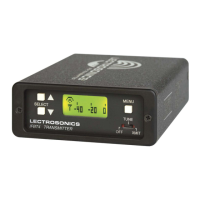
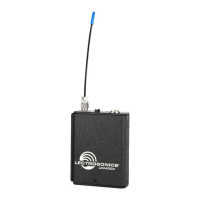
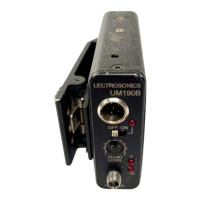
Super-Minature Belt Pack Transmitter
Rio Rancho, NM
11
1
Pull the sleeve over the connector so the ends of the
connector and sleeve are almost flush.
2
Align the pins on the plug and jack and insert the connector.
4
To remove the connector, pull the sleeve back to expose the
black release button. Press the button to unlatch the plug.
Release button
Attaching and Removing the Microphone
Theexiblesleeveoverthe5-pinplugonthemicro-
phone helps prevent dust and moisture from getting
into the input jack. A flange is machined into the rim
of the connector on the transmitter to help retain the
sleeve after it is installed.
The following procedure simplifies the attachment and
removal of the microphone to assure the sleeve is
seated securely.
Squeeze the end of the sleeve so you can feel the connector
inside and press it into the jack until it latches. Pinch and
squeeze the sleeve near the flange and work it down with a
kneading motion over the flange all the way around until it
stays in place flush with the housing. Pull on the connector to
make sure it is firmly latched.
Pinch and
squeeze the
sleeve on this end
to work it down
over the flange.
3


 To Next Page