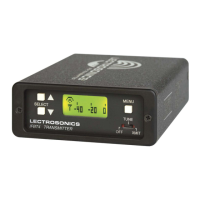
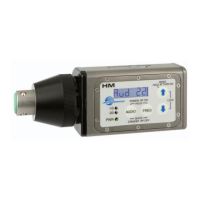
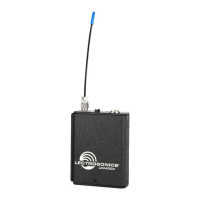
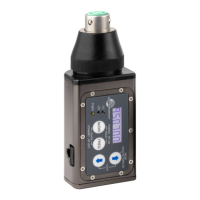
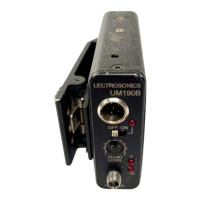
Super-Minature Belt Pack Transmitter
Rio Rancho, NM
9
Standby Mode
Standby Screen
Withthepowerturnedoff,
pressingtheAUDIOand
FREQbuttonsbrieyplaces
the unit in Standby Mode. In
this mode the RF output is
turned off so all setup adjustments can be made without
interfering with other systems operating in the same
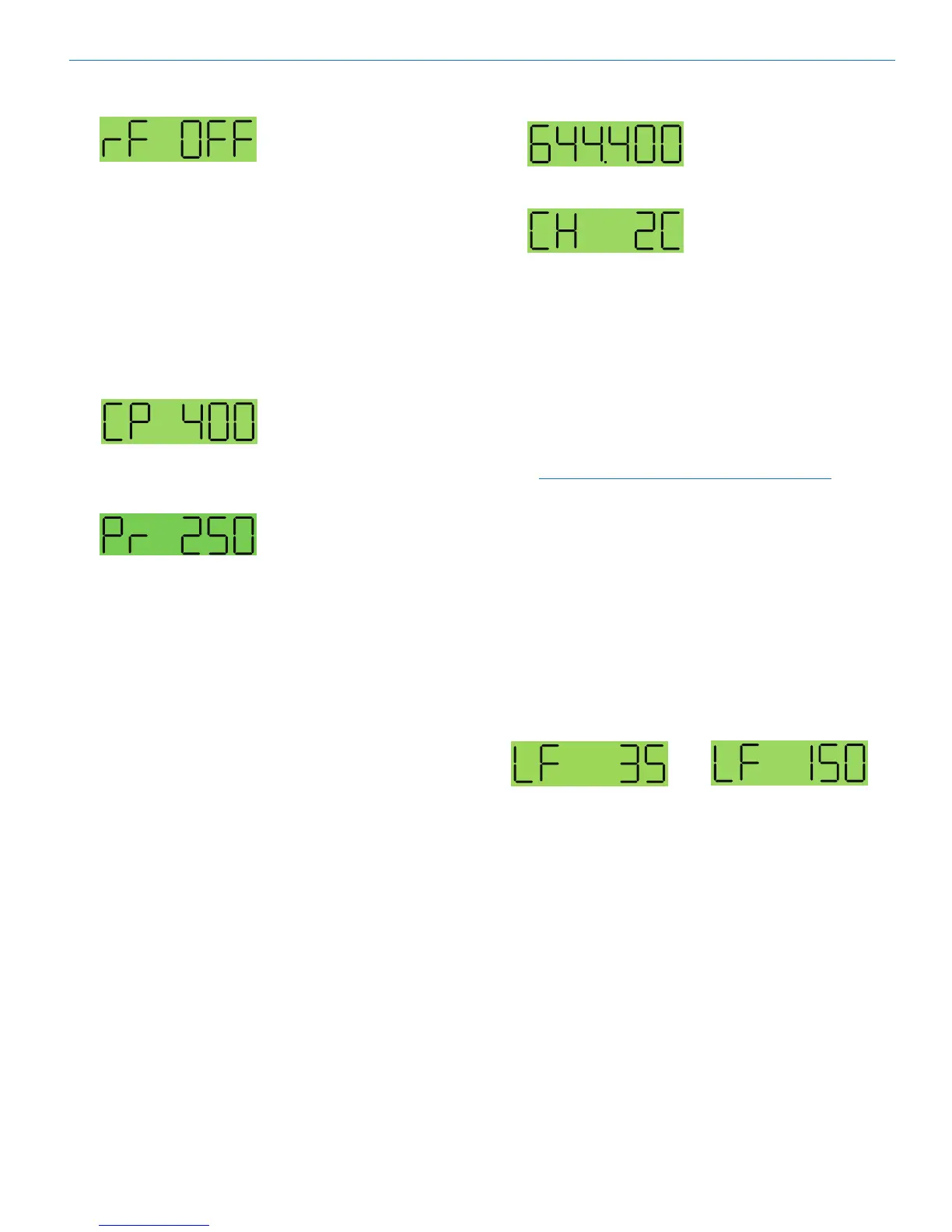
location.Thescreendisplays“rfOFF”toremindthe
user that the unit is not transmitting.
Whiletheunitisinthestandbymode,accessthesetup
screensusingtheAUDIOandFREQbuttonsandmake
adjustments using the Up and Down arrows.
Selecting the Compatibility Mode
and Output Power
Power setting
400 Series or Digital
Hybrid Wireless™
compatibility mode
The transmitter will work
with 200 Series, 100 Series
and IFB analog receivers,
plus some other analog
wireless receivers in addi-
tion to the native digital
hybrid mode.
Note: The unit automatically
enters the Standby Mode
with selecting compatibility.
1)Setthereceiver’saudiocontrolstominimum.
2) From a power off condition, hold down the Up
arrow,thensimultaneouslypresstheAUDIOand
FREQbuttons.
3) PresseitherAUDIOorFREQbuttontoselectthe
compatibility screen and use the Up and Down ar-
rows to select the desired mode.
The following Compatibility Modes are available:
•100Seriesmode: CP100
•200Seriesmode: CP200
•Mode3(contact the factory for details): CP 3
•400Seriesmode: CP400
•IFBSeriesmode: CPIFB
•Mode6(contact the factory for details): CP 6
4) PresseitherAUDIOorFREQbuttontoselectthe
power setting screen and use the Up and Down
down arrows to select the desired level of power.
5) SimultaneouslypresstheAUDIOandFREQbut-
tons to exit this mode and turn off the power.`
Setting Transmitter Operating Frequency
Frequency displayed
in MHz
Frequency displayed as
two-digit hexadecimal
number
The frequency can be
displayedeitherinMHzor
asatwo-digithexadecimal
number and can be set in
the Standby Mode or when
the transmitter is powered
up. The hexadecimal
numbering system is unique
to Lectrosonics where two
alphanumeric characters
correspond to the left and
right switch settings on
earlier analog transmitters that had mechanical rotary
switches to adjust frequency.
1) PresstheFREQbuttontoselecteithertheMHZ
screen or the hexadecimal screen.
2) WhileholdingtheFREQbutton,usetheUpor
Down arrow buttons to move the operating fre-
quencyupordownin100kHzincrementsfromthe
current setting.
Note: The operating frequency displayed on the
LCD wraps as it reaches the upper or lower end of
its range.
Most Lectrosonics receivers with an LCD interface
indicatetheoperatingfrequencybothinMHzandasa
two digit hexadecimal number. In many cases, it is more
convenient to use the two charcter hexadecimal num-
bersratherthanthesixcharacterfrequencyinMHz.
Adjusting the Low Frequency Roll-off
RepeatedlypresstheAUDIObuttonuntiltheLFroll-
off adjustment screen appears. Then press and hold
theAUDIObuttonwhileselectingthedesiredroll-off
frequencywiththeUPandDOWNarrows.
Theroll-offfrequencycanbesetto35,50,70,100,120
and150Hz.


 To Next Page