SMQV
LECTROSONICS, INC.
6
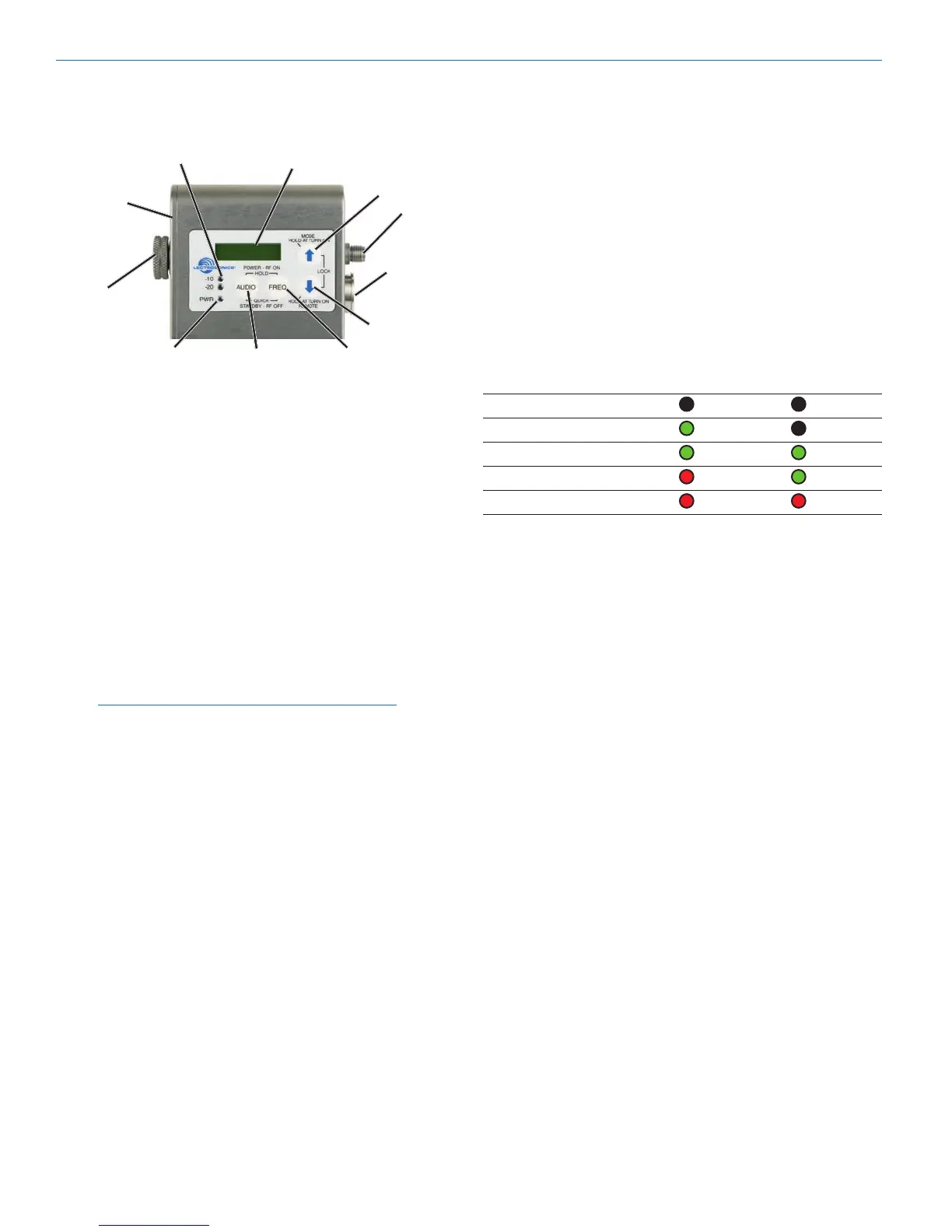
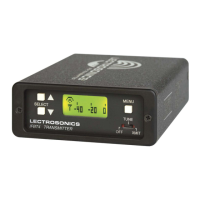
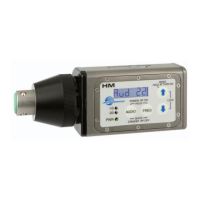
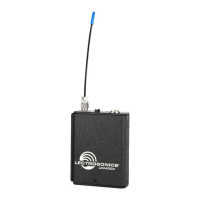
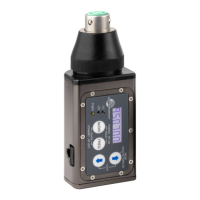
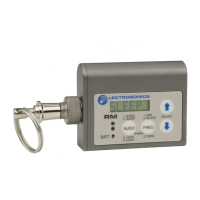
Controls and Functions
LCD Screen
TheLCDisanumeric-typeLiquidCrystalDisplaywith
screens for adjusting power, frequency, audio level and
lowfrequencyaudioroll-off.Thetransmittercanbe
powered up with or without the RF output turned on. A
countdown appears in the LCD when powering on and
off, allowing the transmitter to be turned on without RF
for adjustments, and to prevent accidentally turning it off
with momentary button presses.
Power LED
ThePWRLEDglowsgreenwhenthebatteryisgood.
The color changes to red when there is about 30
minutes of operation left with the recommended lithium
battery. An alkaline battery will have about 20 minutes
oflifeleft.WhentheLEDbeginstoblinkred,thereare
only a few minutes of life.
Note: A NiMH rechargeable battery will give little
or no warning when it is depleted. If you wish
to use NiMH batteries, we recommend trying
fully charged batteries in the unit and using the
battery timer feature available in most receivers to
determine the available operating time.
AweakbatterywillsometimescausethePWRLEDto
glow green immediately after the TX is turned on, but
willsoondischargetothepointwheretheLEDwillturn
redortheunitwillturnoffcompletely.Whenthetrans-
mitterisinSLEEPmode,theLEDblinksgreenevery
few seconds.
Audio Input Jack
The Servo Bias input circuitry accommodates virtually
every lavaliere, handheld or shotgun microphone avail-
able, plus line level signals.
Battery Compartment and Thumb Screw
The large knurled thumbscrew is used to release or
secure the Battery Compartment Cover Plate.
Modulation LEDs
Proper input gain adjustment is critical to ensure the
bestaudioquality.TwobicolorLEDswillgloweitherred
or green to accurately indicate modulation levels. The
input circuitry includes a wide range DSP controlled
limiter to prevent distortion at high input levels.
It is important to set the gain (audio level) high enough
to achieve full modulation during louder peaks in the
audio. The limiter can handle over 30 dB of level above
fullmodulation,sowithanoptimumsetting,theLEDs
willashredduringuse.IftheLEDsneverashred,the
gain is too low. In the table below, +0 dB indicates full
modulation.
Signal Level -20 LED -10 LED
Lessthan-20dB Off Off
-20dBto-10dB Green Off
-10dBto+0dB Green Green
+0 dB to +10 dB Red Green
Greater than +10 db Red Red
AUDIO Button
TheAUDIObuttonisusedtodisplaytheaudioleveland
lowfrequencyroll-offsettings.TheUPandDOWNar-
rows adjust the values.
TheAUDIObuttonisalsousedwiththeFREQbuttonto
enter standby mode and to power the transmitter on or off.
FREQ Button
TheFREQButtondisplaystheselectedoperating
frequency and also toggles the LCD between displaying
theactualoperatingfrequencyinMHzandatwo-digit
hexadecimal number that corresponds to the equivalent
Lectrosonics Frequency Switch Setting.
TheFREQbuttonisalsousedwiththeAUDIObuttonto
enter standby mode and to power the transmitter on or off.
Up/Down Arrows
The Up and Down arrow buttons are used to select the
values on the various setup screens and to lock out
the control panel. Pressing both arrows simultaneously
entersthelockcountdown.Whenanattemptismade
to change a setting while the control panel is locked, a
message will flash on the LCD reminding you that the
unitislocked.Oncelocked,thebuttonscanonlybe
unlocked by removing the battery, or via the RM remote
control (if the remote function was enabled in the trans-
mitter setup).
Antenna
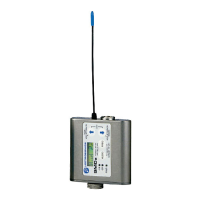
The transmitter uses a whip antenna with a flexible wo-
ven,galvanizedsteelmeshcableandastandardSMA
connector.
Battery
Compartment
Thumb Screw
Battery
Compartment
Cover Plate
Audio
Input Jack
AUDIO Button
LCD
FREQ Button
Modulation
LEDs
PWR LED
UP Arrow
DOWN Arrow
Antenna
Jack


 To Next Page