Leica ComGate10, Operation
20
3 Operation
Ensure to carry out all steps in this chapter in the described sequence.
3.1 Preparation
First steps
Set up DynDNS
account
To operate a ComGate10 over the Internet, a DynDNS account has to be available.
Refer to www.dyndns.com how to create an account.
The following information must be available:
• User name and password.
• Host name, for example myComBox.dyndns.org.
• Server address, normally members.dyndns.org.
• Server port, normally 80 or 8245.
Configuring
ComGate10 by
computer
Step Description
1. Open the card box.
2. Check that the items from the packing list are included.
Refer to section "2.3 ComGate10 and available accessories" for more
information.
3. Unpack the ComGate10.
Step Description
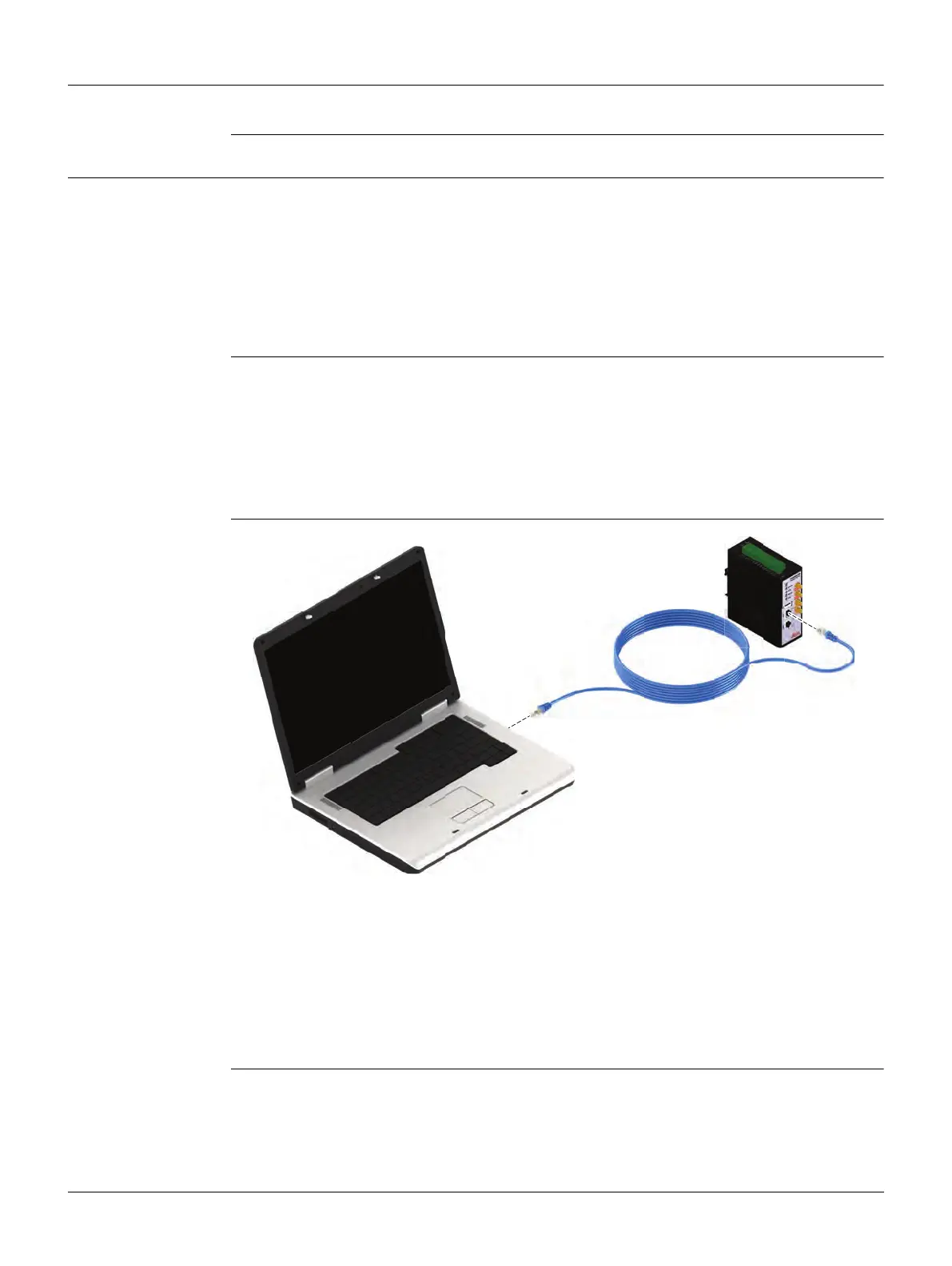
1. Connect a notebook or desktop PC with a network cable to the ComGate10.
The network cable must be plugged into the LAN port of the wireless
router.
2. Start the notebook or desktop PC.
The operating system must be Windows XP or higher.
006180_001



 To Next Page