4 DXplore Software
4.1 Software Installation
When purchasing a DSX package that includes a CT1000 tablet, the DXplore
software is already installed on the tablet.
DXplore software can be downloaded from myWorld or updated through the
"Update" warning messsage. This message appears when opening up the soft-
ware.
☞
Before running the software make sure to activate software license
key (entitlement ID) in CLM program. DXplore will not run without a
valid software license key.
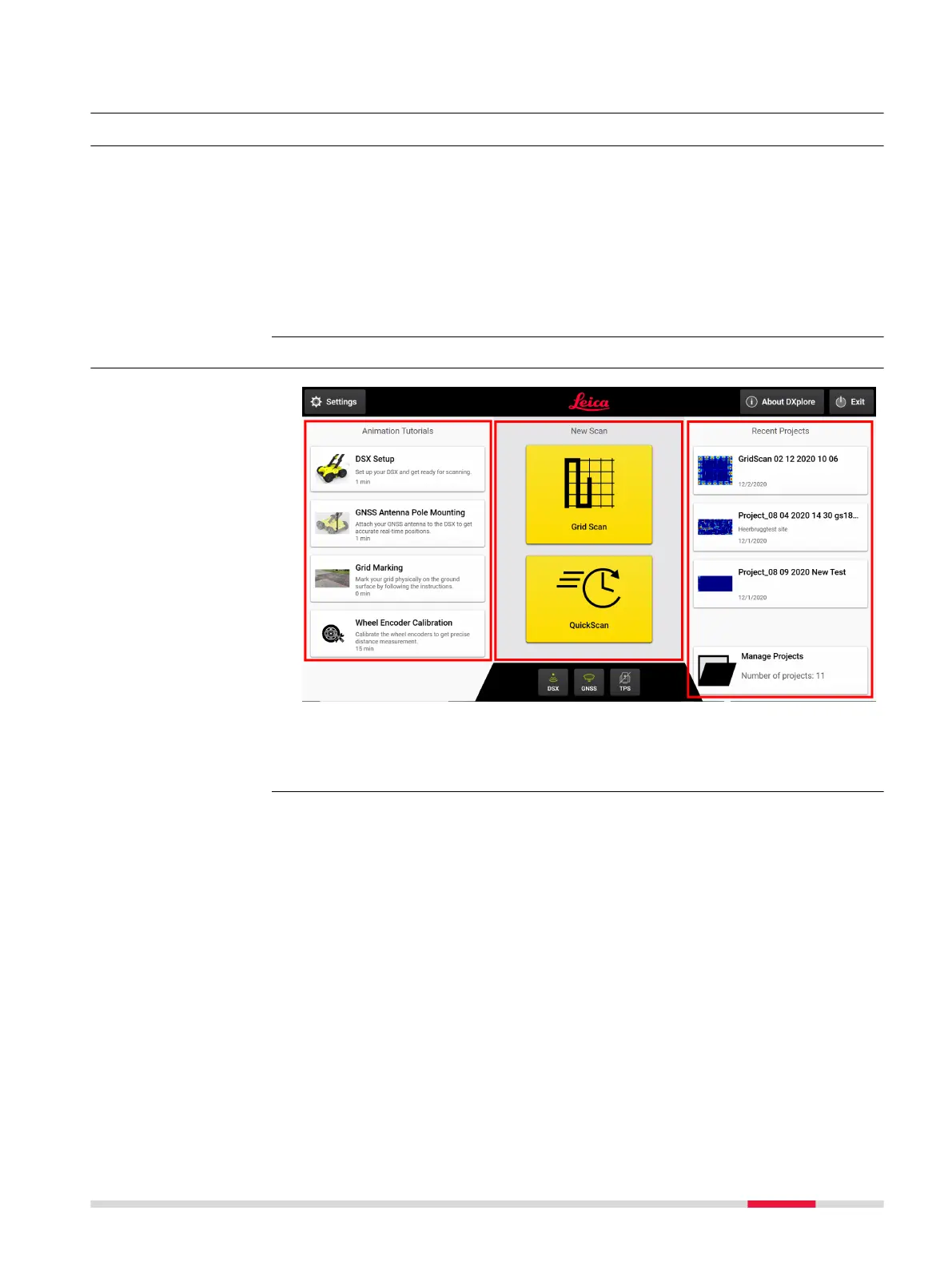
4.2 Home Screen
a Left column
b Centre column
c Right column
Requirements for
installing the DXplore
software
Home screen
DXplore Software 25



 To Next Page