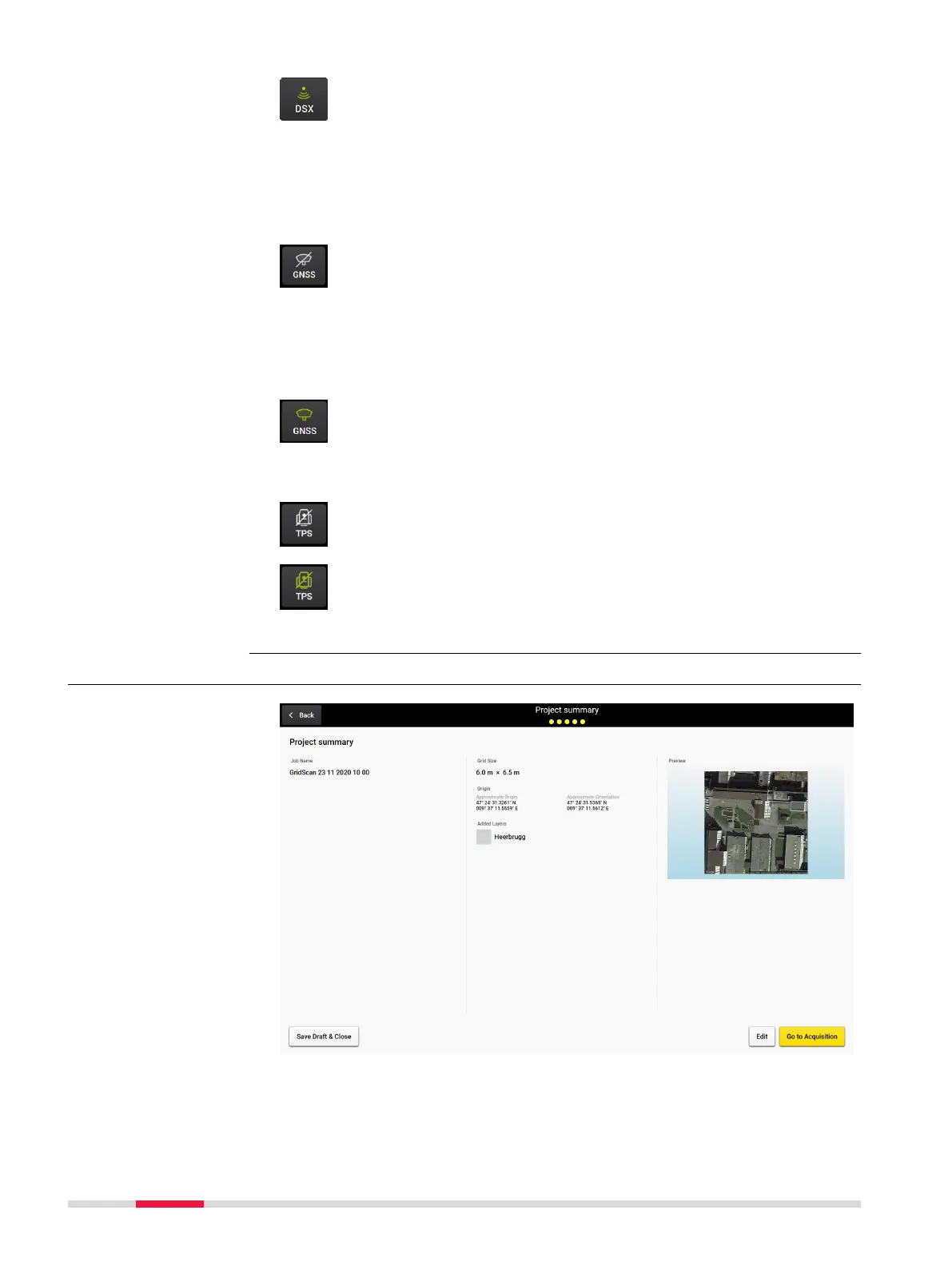
Button DSX active
Button DSX indicates the connection status to the DSX utility
detection system. In active mode, the button should be green.
Make sure, the button stays green throughout the entire data
acquisition.
☞
Once the DSX detection system is turned on and the
CT1000 tablet gets connected to the LAN cable, this but-
ton should turn to active mode.
Button GNSS inactive
Tap on the button GNSS to set up the GNSS antenna.
☞
The GNSS antenna connection can only be done at the
home screen, not during acquisition.
☞
Refer to Mapping Utilities Using a Positioning System
for information on the supported antenna models and
how to congure them.
Button GNSS active
The GNSS button indicates the connection status to the GNSS
antenna.
•
Make sure that the button stays green throughout the entire
acquisition once a GNSS antenna is used.
Button TPS inactive
Tap on the button TPS to set up the TPS antenna.
Button TPS active
The TPS button indicates the connection status to the TPS antenna.
•
Make sure that the button TPS stays green throughout the
entire acquisition once a TPS antenna is used.
4.3 Data Acquisition
Go to Acquisition
28 DXplore Software



 To Next Page