Right Column
In the right column view/open recent scanned projects or drafts (with all
project settings saved but not yet scanned).
•
Recent projects:
Tapping on those most recent scanned projects opens the processed
screen by default (tomography view).
•
Recent drafts:
By default the acquisition screen opens when tapping on the drafts. Start
data acquisition based on the settings saved in the drafts.
•
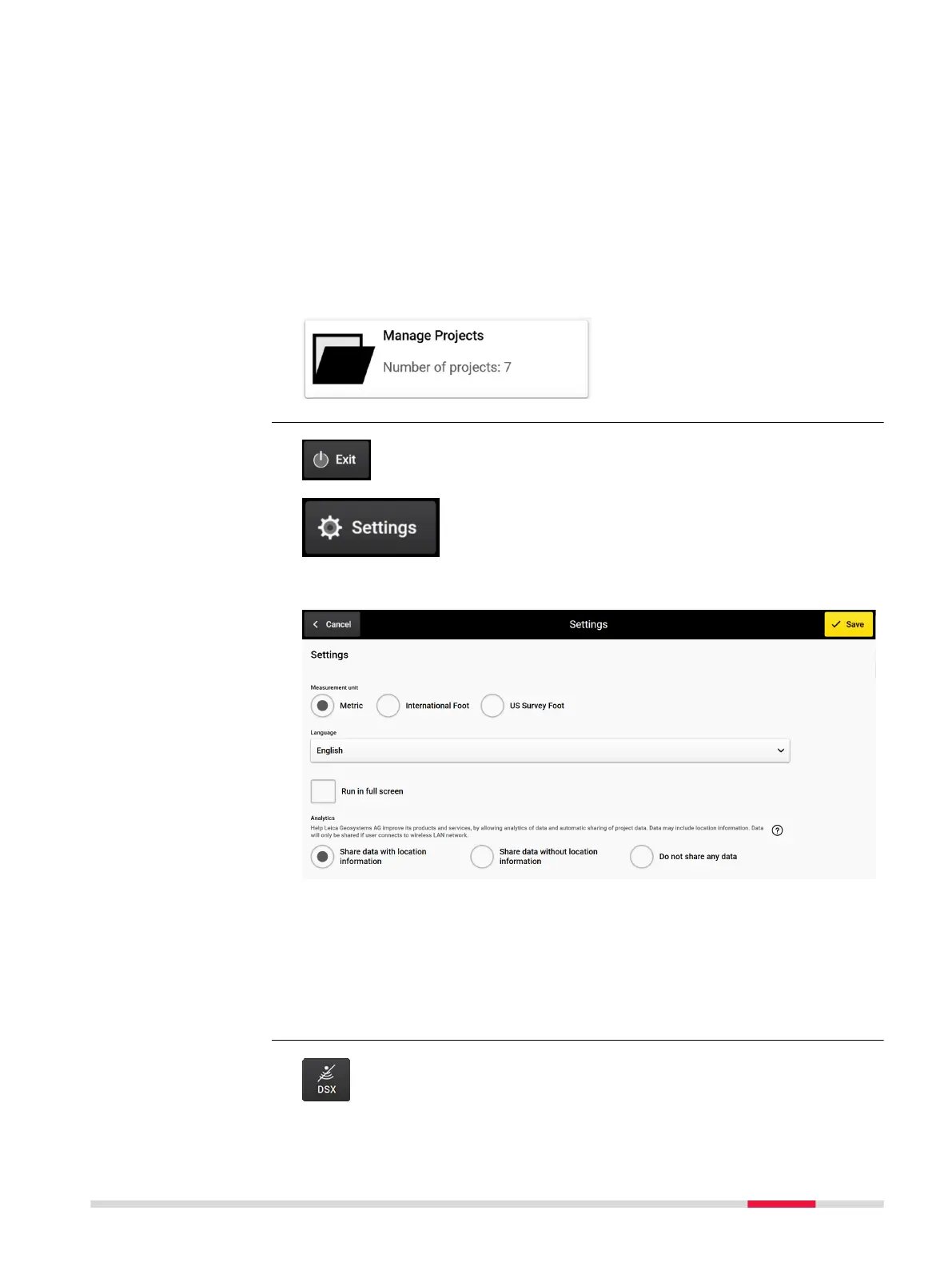
Project Management:
Review, edit and open projects from a single view.
Tap Exit to close DXplore
Tap Settings to open the Settings menu
Settings menu
•
Measurement unit: Choose the local unit – International Foot or US
Survey Foot units for the US and Metric units for the rest of the world.
•
Language: Choose the required language from the drop-down list.
•
Run in full screen: Enables you to maximise the DXplore screen when
reopen DXplore next time.
•
Analytics: Enables the user to allow analytics of data and automatic shar-
ing of project data, provided that an internet connection exists.
Button DSX inactive
Top buttons
Bottom buttons
DXplore Software 27



 To Next Page