EasyManua.ls Logo

Leica DSX - Page 45

Leica DSX
82 pages
Print Icon
To Next Page IconTo Next Page
To Previous Page IconTo Previous Page
Loading...
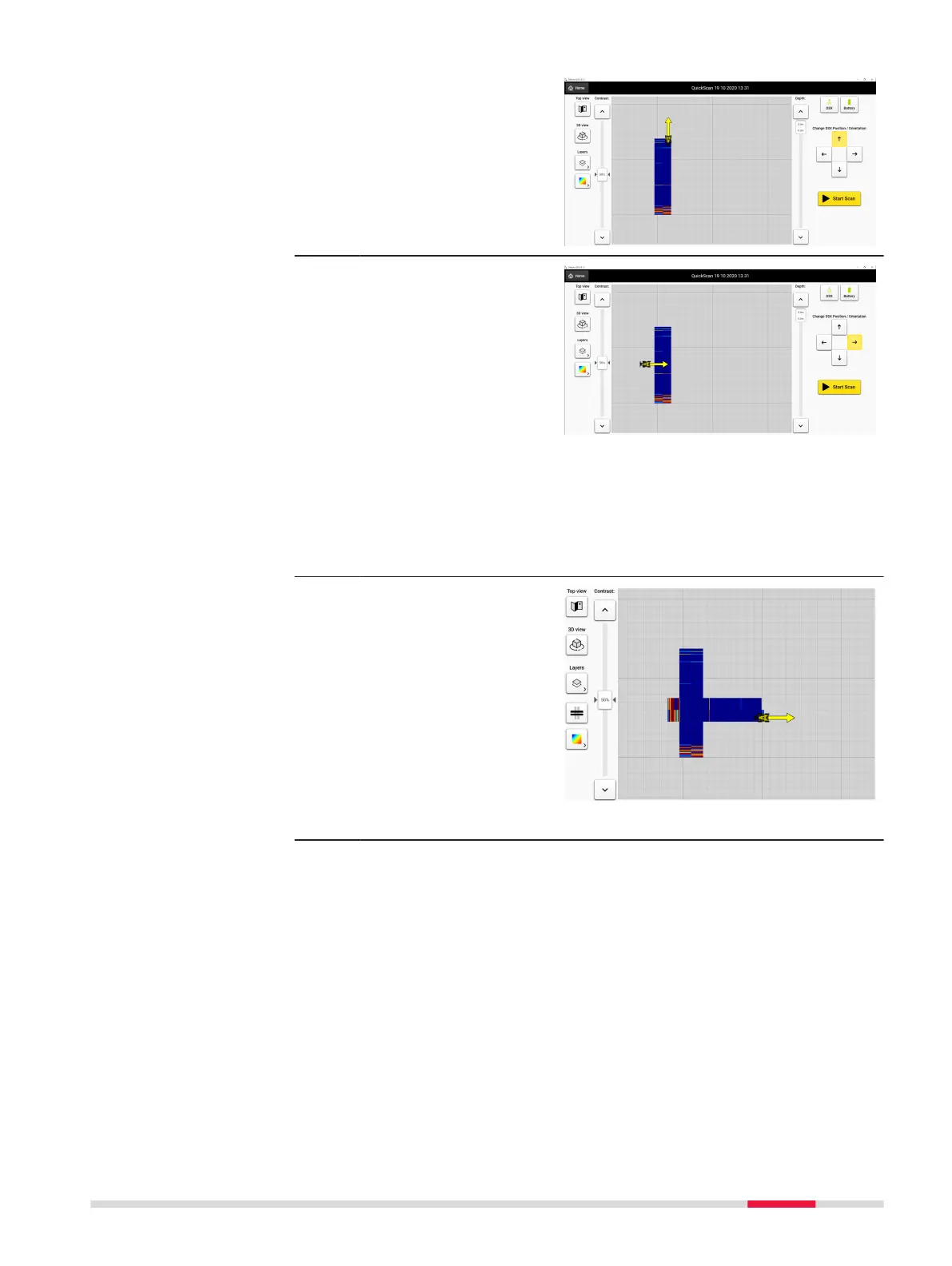
4. If desired, repeat the
process for additional
scan lines. Scan lines
that are less than 1 m
(3’ 3”) apart, will auto-
matically be combined
to form a complete
tomography of the
area.
5. Horizontal scans can
also be performed in
the desired scan area
by using the directional
arrows to position the
DSX and using the
Start Scan/Stop Scan
button to create addi-
tional scans.
Multiple line scans must
be at least 50 cm (1’
8”) apart but not more
than 100 cm (3’ 3”) in
order to be combined
into a single tomo-
graphy.
6. Repeat the process as
necessary if additional
scan lines are desired.
Scan lines obtained in
the same direction will
automatically be com-
bined to form a com-
plete tomography of
the Quick Scan area.
Multiple line scans must
be at least 50 cm (1’
8”) apart but not more
than 100 cm (3’ 3”).
Procedures for Working with the DSX 45

Other manuals for Leica DSX