Leica IC90 E User Manual Get Ready! 18
Assembling the Camera
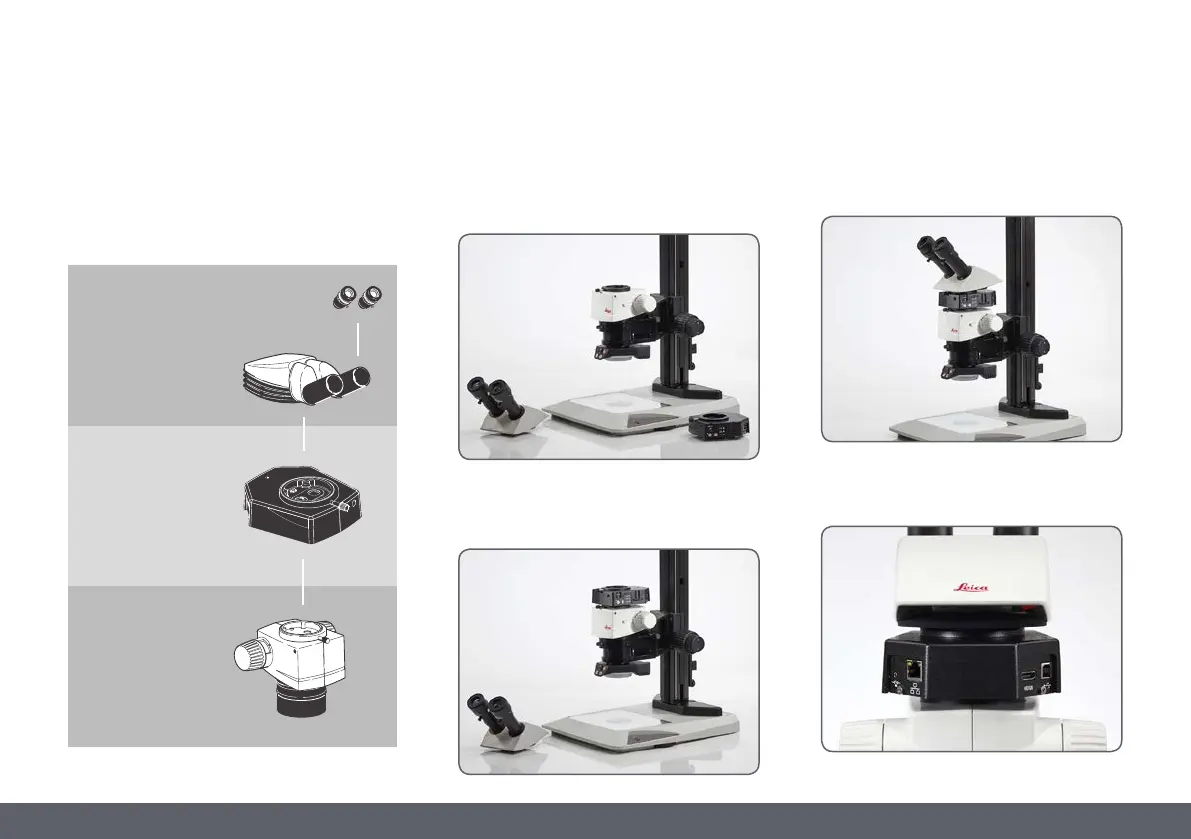
It can be mounted in four simple steps:
1. Remove the tube.
2. Place the camera onto the microscope
stand.
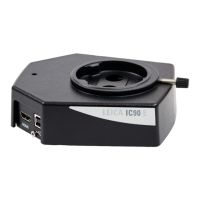
Designed as a sandwich camera the Leica IC90E
easily fits between the microscope stand and
the tube.
3. Add the tube back on top of the camera.
4. Connect the camera via USB, HDMI or
Ethernet to your viewing device.
Leica tube
Leica IC90 E
Leica M-series
optics carrier


 To Next Page