Leica IC90 E User Manual The Camera Remote Control (Standalone Kit) 35
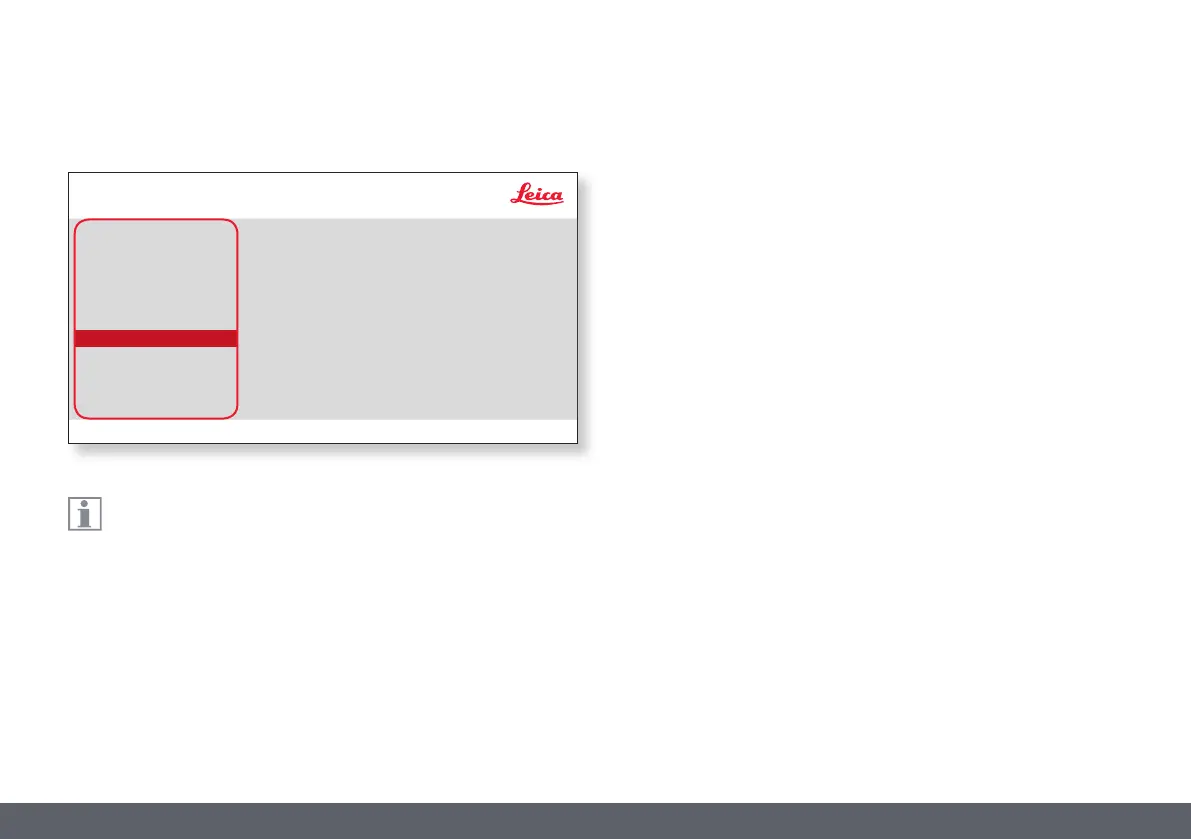
The camera settings enable you to control internal parameters such
as the date or time, reset the camera, etc.
HISTOGRAM
Enables the display of a histogram as a picture in picture.
SHOW MENU
Changes the display time of the menu bar. You can select between
10 seconds and infinity. The menu can still be deactivated if you press the
camera menu button.
FOOT SWITCH
Allows you to select the function that should be triggered through the
hand-/foot switch. The following function can be programmed: image
capture, video, white balance, and overlay.
SETUP USER
COLOR
EXPOSURE
RESOLUTION
SETUP CAMERA
SETUP USER
SETUP ETHERNET
HISTOGRAM
SHOW MENU
FOOT SWITCH
DISABLE
10 SECONDS
Leica IC90 E
UNLOCKED


 To Next Page