Leica ICC50 E or Leica ICC50 W User Manual The Leica ICC50 E or Leica ICC50 W 18
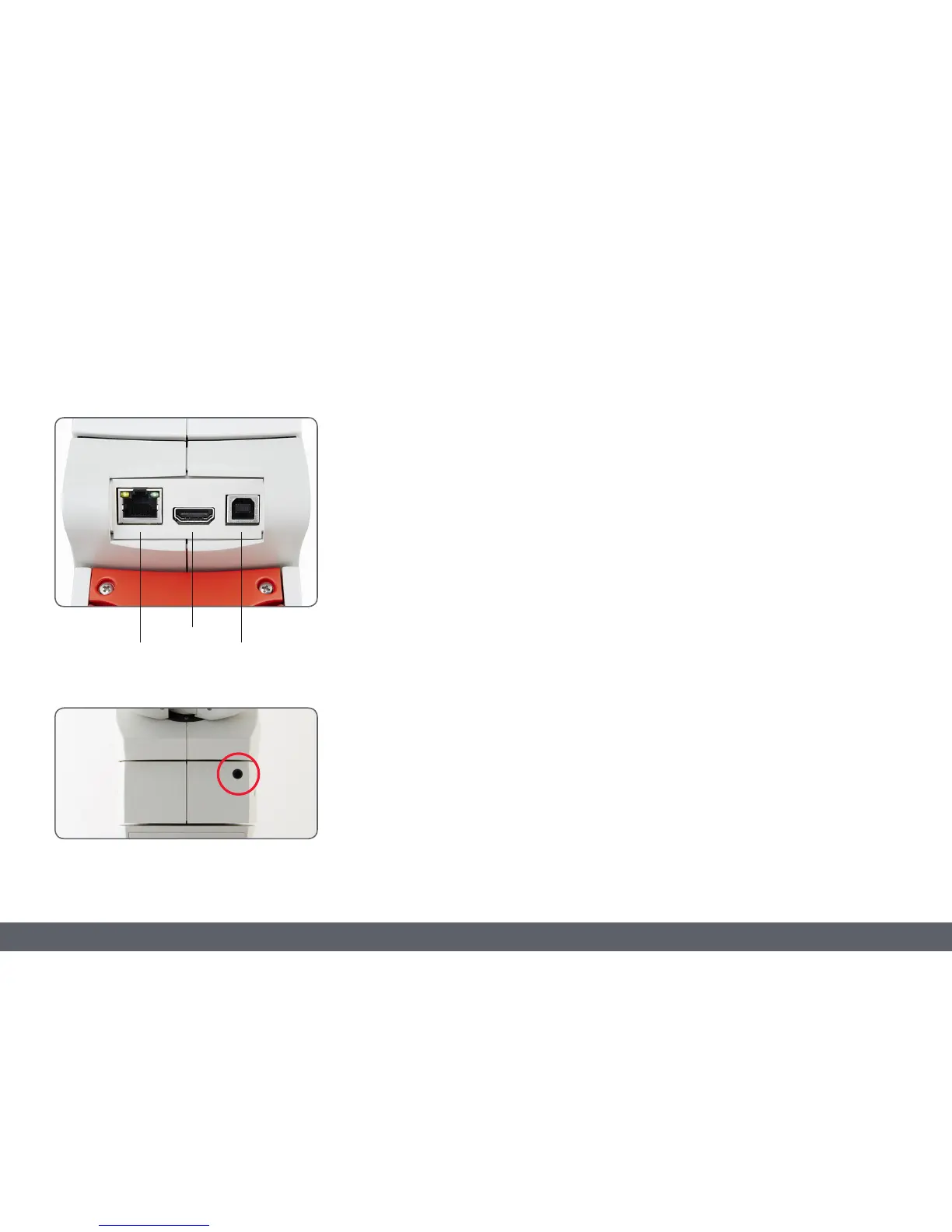
1. Ethernet socket for connecting an ethernet
cable (cable not provided)
2. HDMI for connecting the provided HDMI
cable
3. USB for connecting the provided USB cable
Front
Infrared window: Receives the signal from the
optional remote control.
Leica ICC50 E or Leica ICC50 W: Overview (Continued)
1 3
2



 To Next Page