Leica ICC50 E or Leica ICC50 W User Manual The Camera Remote Control (Optional) 35
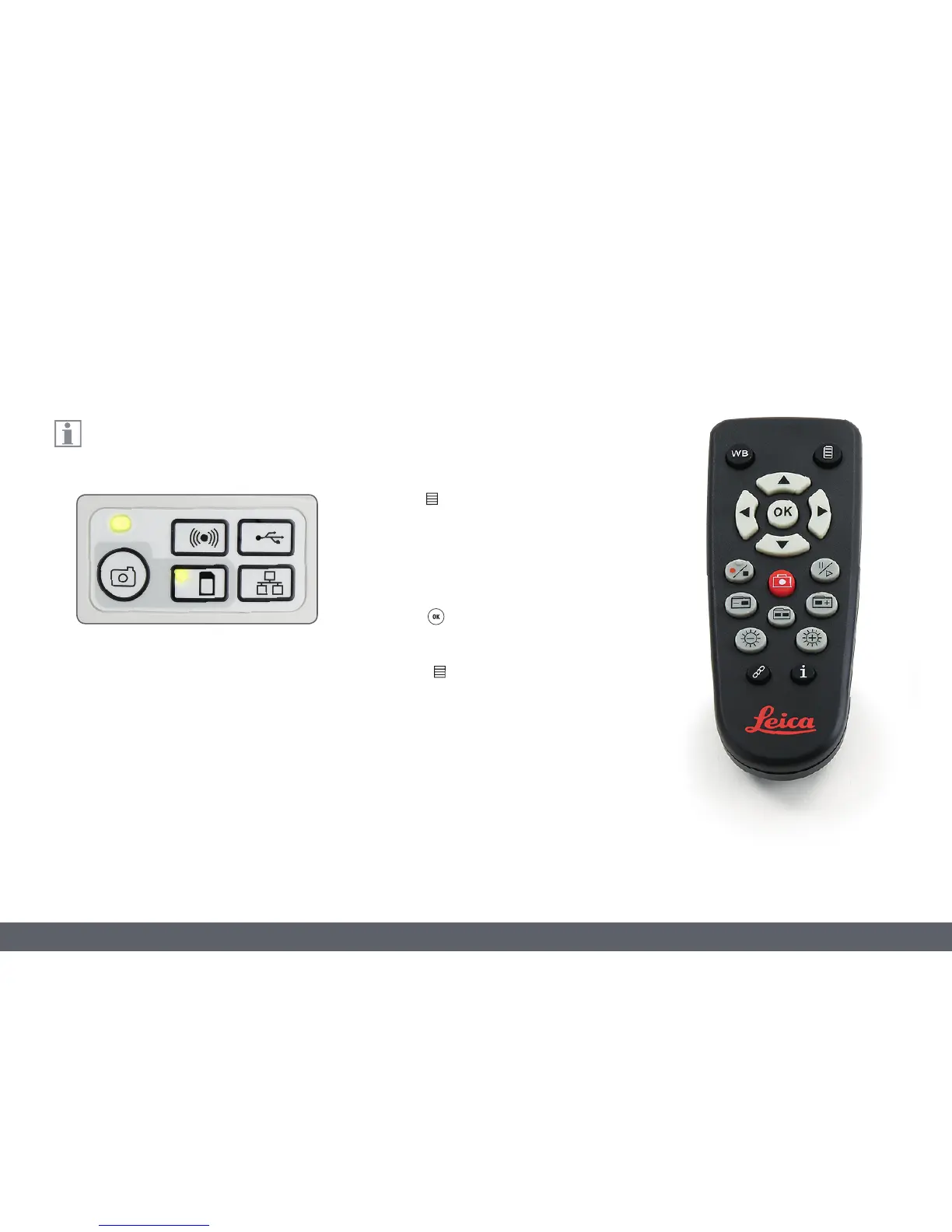
The remote control can only work when
the camera is in SD mode.
Opening and closing the camera menu
1. Point the remote control towards the
camera.
2. Press the
key on the remote control to
show the camera menus on the monitor.
3. Press the
and
buttons to select a
menu item.
4. Press the button to confirm a menu
item.
5. Press the
button again to hide the
camera menus.
Calling up the Camera Menu



 To Next Page