Leica ICC50 E or Leica ICC50 W User Manual Get Set! 24
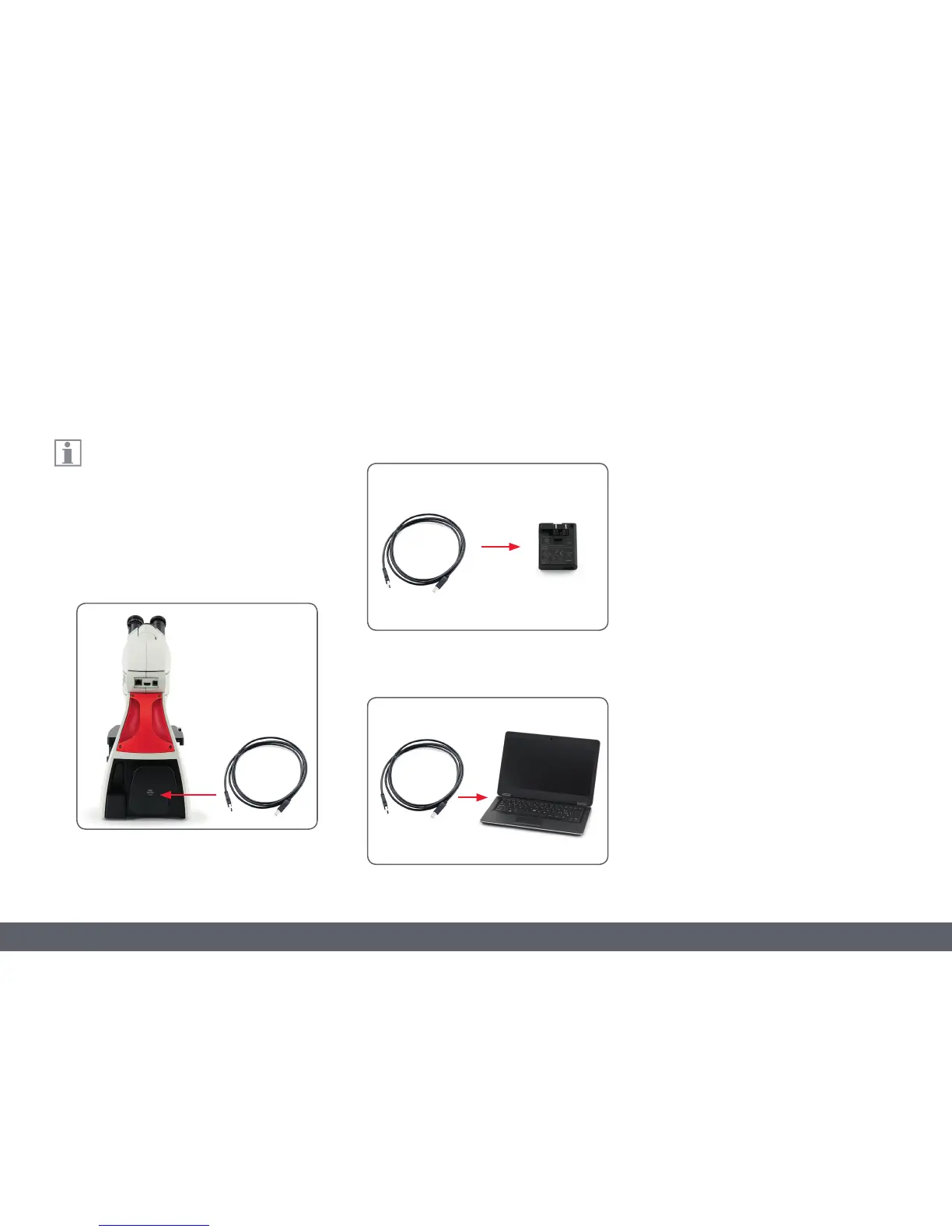
2. Via provided USB cable to external USB
power supply.
3. Via provided USB cable to USB connector of
a PC. Camera should be in USB mode.
Connect the camera to a power source
Note the Leica ICC50 E or Leica ICC50 W
requires 5 V/2 A for power, therefore, a
proper power supply must be used.
Connect to a power source by one of the follow-
ing methods:
1. Via provided USB cable to the USB connec-
tor on back of the microscope stand.
Connection



 To Next Page