Leica ICC50 E or Leica ICC50 W User Manual The Camera Remote Control (Optional) 34
If you have purchased the optional
remote, the Leica HD camera shows
images and movie clips directly on an HD moni-
tor.
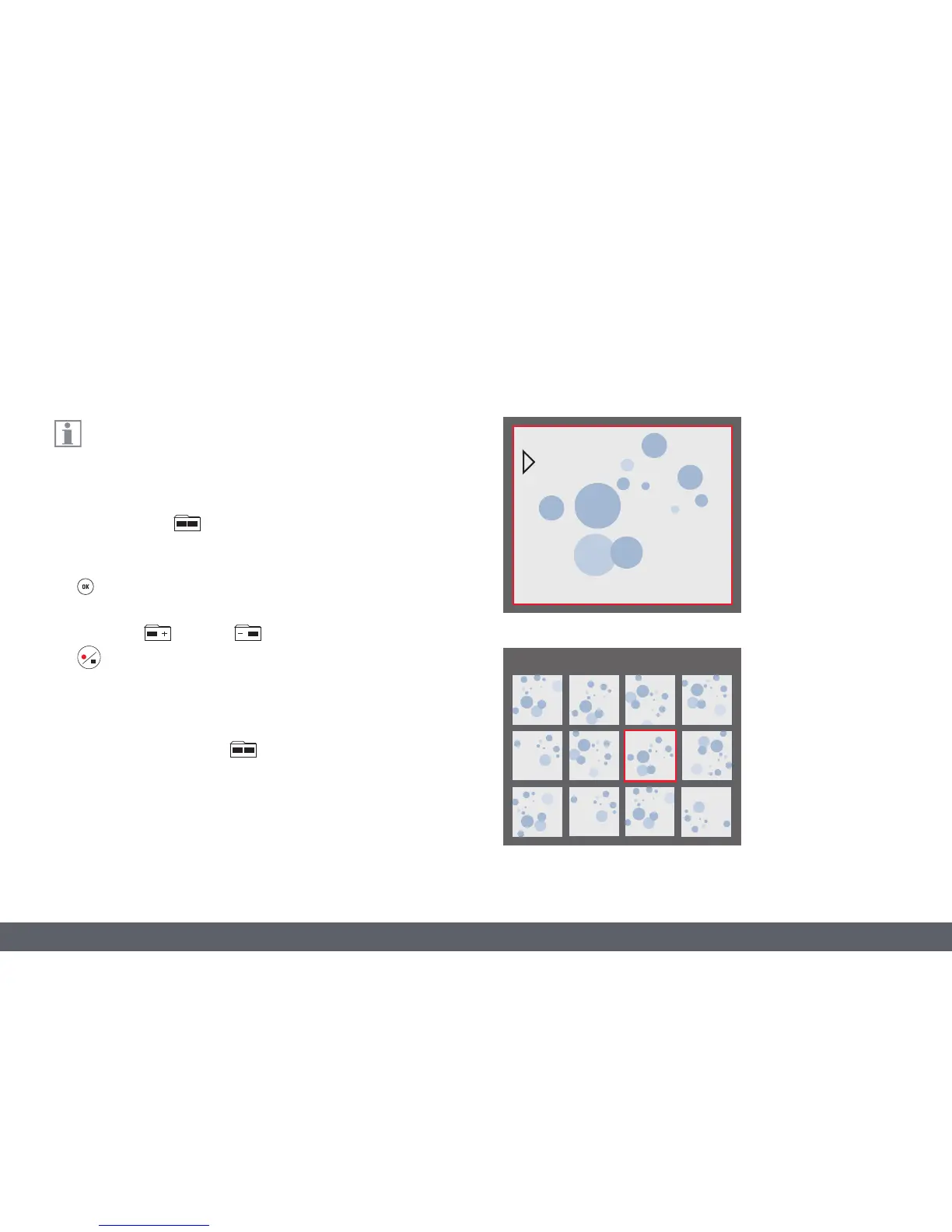
1. Thumbnail view
(first press)
O up/down/left/right select thumbnail
O Show image in full screen or playback
movie clip
O next image / previous image
O Play movie clip
O left /right fast forward / rewind
2. To return to live view press .
Viewing Images and Movies With the Optional Remote Control
Thumbnail view
Playback / fullscreen view



 To Next Page