Set your email account according to your needs.
to return to Inbox interface.
Deleting an email account
If you have more than one accounts, and if you delete the default account, the
next one in the list will become default.
In Inbox interface, click Menu
Click and hold the account you want to delete.
You must always have a default account.
accounts, you can select one as default.
In Inbox interface, click Menu
If you delete the default account, the next one in the list will
and you can install Android applications to your device in a fast and
Set your email account according to your needs.
to return to Inbox interface.
Deleting an email account
If you have more than one accounts, and if you delete the default account, the
next one in the list will become default.
In Inbox interface, click Menu
Click and hold the account you want to delete.
window, click Delete account.
You must always have a default account.
Therefore, if you have more than one email
accounts, you can select one as default.
In Inbox interface, click Menu
If you delete the default account, the next one in the list will
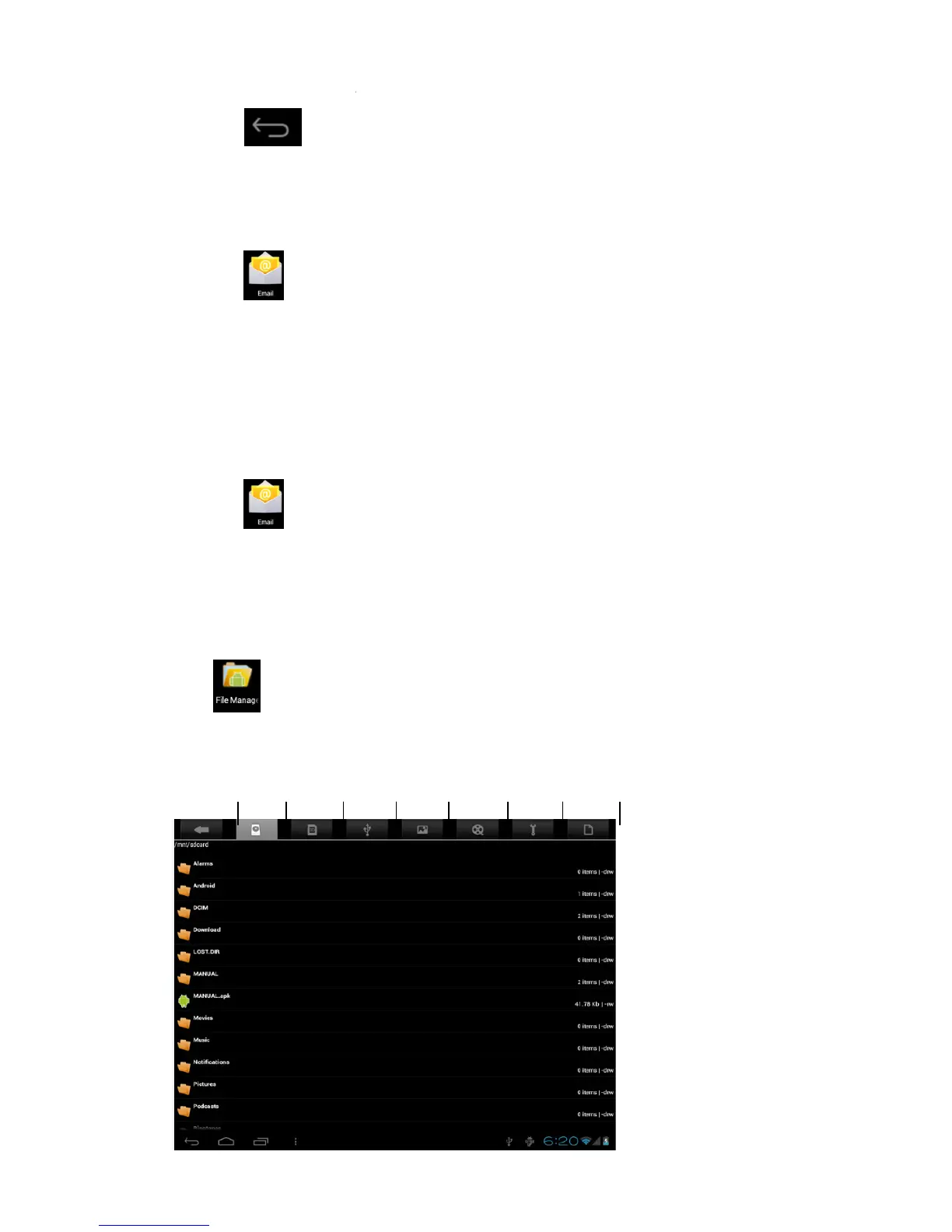
icon to view all files saved in the device (
and you can install Android applications to your device in a fast and
If you have more than one accounts, and if you delete the default account, the
Therefore, if you have more than one email
and you can install Android applications to your device in a fast and



 To Next Page