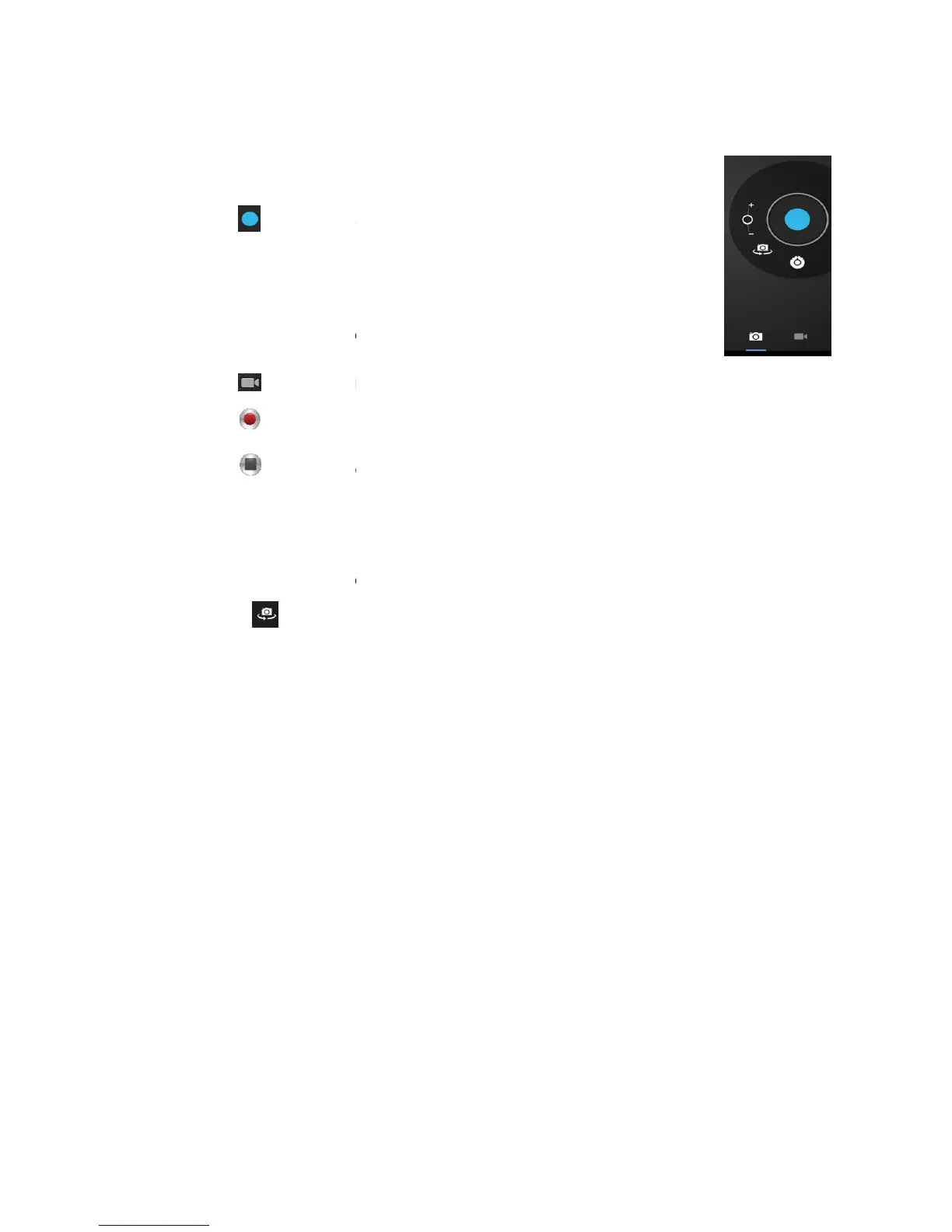
The camera can be used to take pictures or to make video's.
to take pictures. All pictures are saved automatically.
Tap in the upper right corner on the thumbnail to view the picture.
Press the three bars next to the
to switch to the video mode.
to stop recording. All videos are saved automatically.
Tap in the upper right corner on the thumbnail to view the movie.
Move the 0 towards the + to zoom in.
Press the three bars next to the
to change to the front or rear camera.
The camera can be used to take pictures or to make video's.
to take pictures. All pictures are saved automatically.
Tap in the upper right corner on the thumbnail to view the picture.
Press the three bars next to the
- to open the camera settings.
to switch to the video mode.
to stop recording. All videos are saved automatically.
Tap in the upper right corner on the thumbnail to view the movie.
Move the 0 towards the + to zoom in.
Press the three bars next to the
- to open the camera settings.
to change to the front or rear camera.



 To Next Page