8
3. Recorder
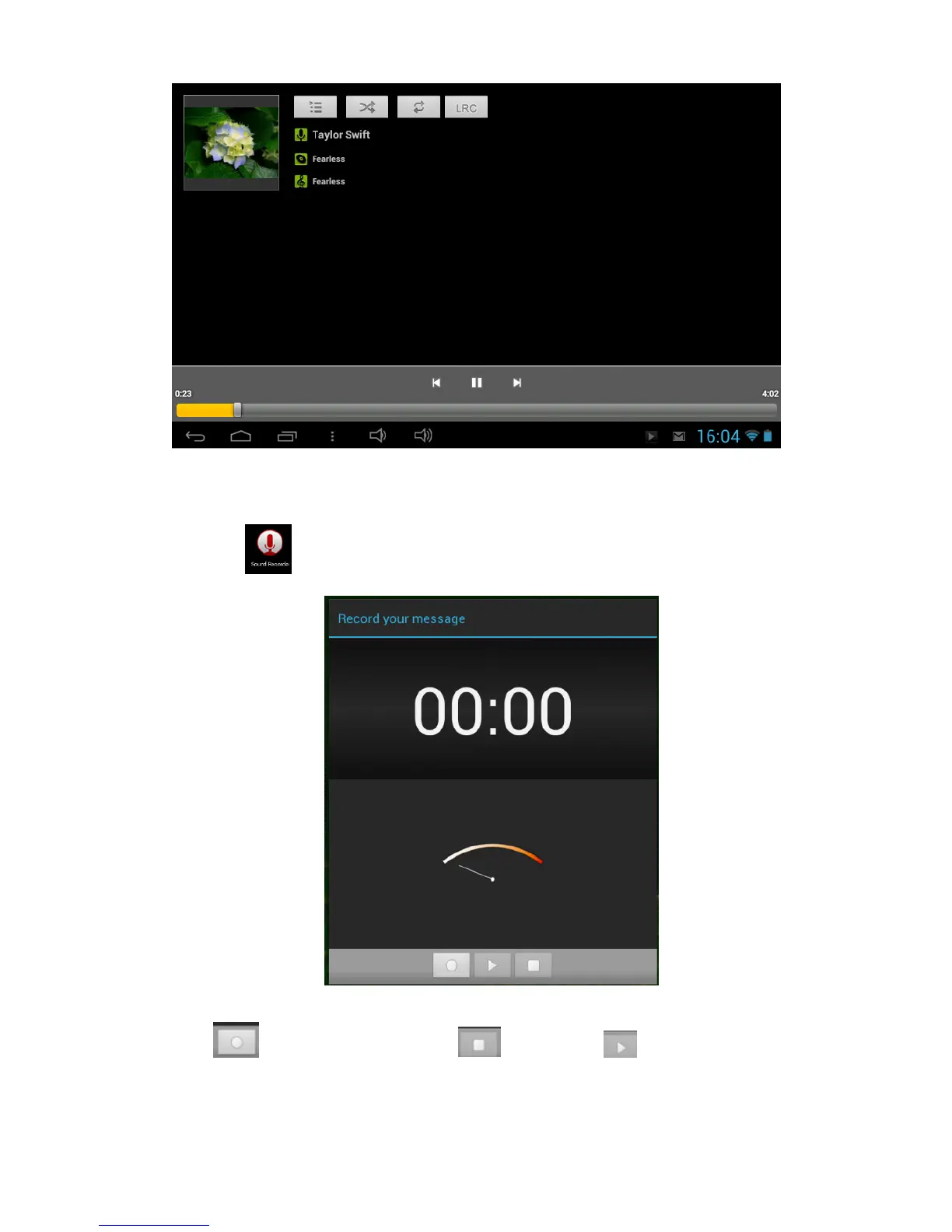
Click icon to enter recorder mode (see the picture).
Click to start recording, and click to stop. Click to play the recorded
audio. The recorded files are named according to the recording time. You can select any
one to play. In the above picture, the finger shows the sound wave intensity and the time
shows the recording time.



 To Next Page