1. Return
2. Internal storage
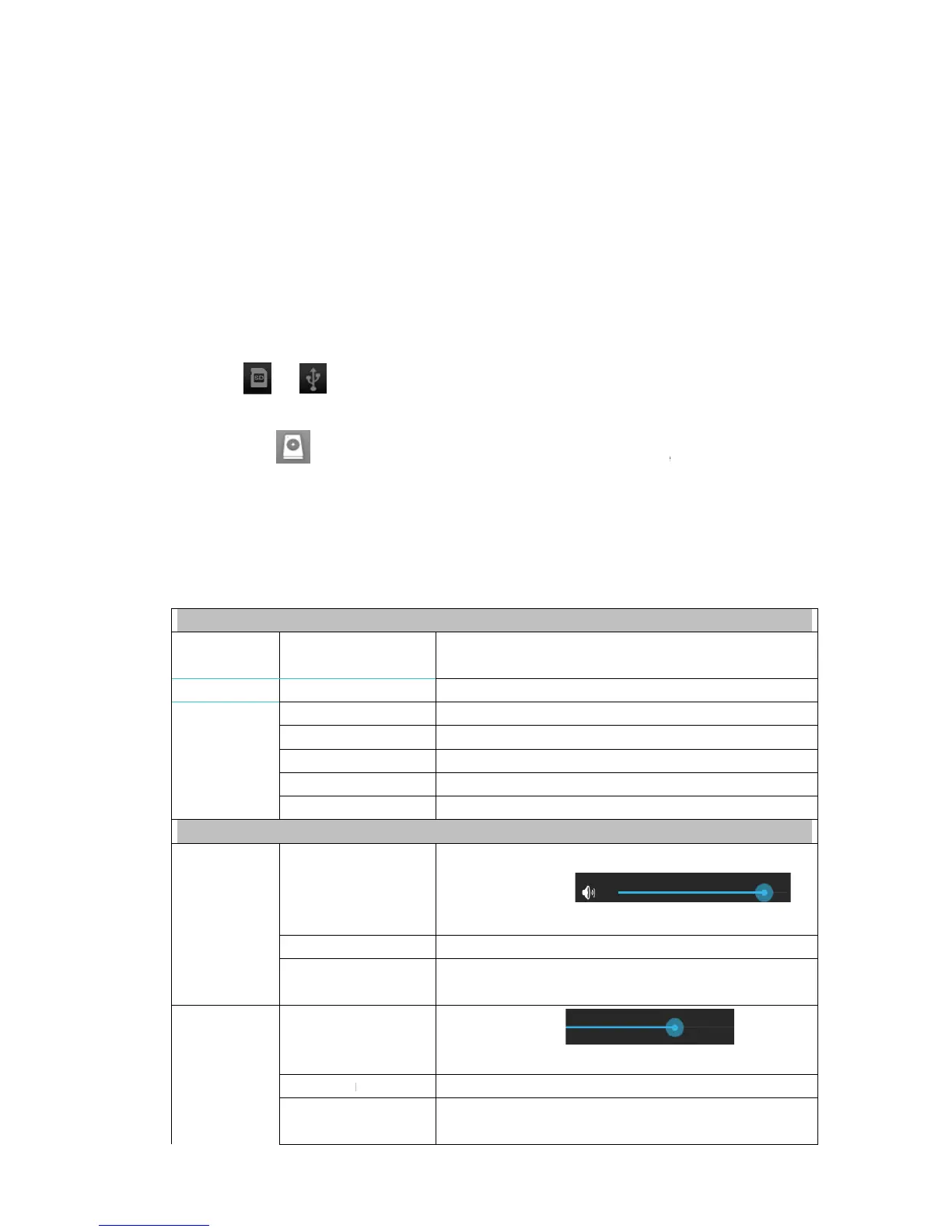
3. Micro SD card
4. USB disk
5. Pictures
6. Videos
7. Toolbox
8. File management
Copying files between devices
You can use file browser to copy files among external storage, internal storage and PC. To
copy a file into the device, you must firstly copy it to
to display files saved in the storage device.
Click and hold the file or f
to return to internal storage of the device
to copy to → click Paste.
Deleting a file
Click and hold the file or folder you want to delete
to delete.
14. Settings
Wireless network
Wi-Fi
Traffic
More..
Copying files between devices
You can use file browser to copy files among external storage, internal storage and PC. To
copy a file into the device, you must firstly copy it to
to display files saved in the storage device.
Click and hold the file or f
older you want to copy → click Copy.
to return to internal storage of the device
click the folder you want
Click and hold the file or folder you want to delete
Set and manage wireless access point (refer to
setting for details).
Set and manage data traffic.
Enable/disable flight mode
Configure wired network.
Configure VPN network
Set 3G network (refer to 3G
Display 3G dongle model supported by the device
Adjust volume of media, alarm clock and notification.
Click and slide
adjust volume and then click OK.
Select the notifying ringtone you want.
Prompt tone when screen is locked/unlocked
Click and slide
brightness and then click OK.
If this option is checked, the screen will switch
between horizontal and vertical according to the
You can use file browser to copy files among external storage, internal storage and PC. To
click the folder you want
Set and manage wireless access point (refer to
Display 3G dongle model supported by the device
Adjust volume of media, alarm clock and notification.
Select the notifying ringtone you want.
Prompt tone when screen is locked/unlocked
If this option is checked, the screen will switch
between horizontal and vertical according to the



 To Next Page