1Battery
Useyourcomputerwiththebatterypowerwheneveracpowerisunavailable.
YoucanusethePowerManagerprogramtoadjustyourpowersettingsasneeded.Fordetails,seethehelp
informationsystemofthePowerManagerprogram.
2PCIExpressMiniCardslotforwirelessLANcard
Yourcomputermightincludeawirelesslocalareanetwork(LAN)cardinthePCIExpressMiniCardslotfor
youtoestablishwirelessLANconnections.
3Memory-upgradeslot
Youcanincreasetheamountofmemoryinyourcomputerbyinstallingamemorymoduleinthe
memory-upgradeslot.MemorymodulesareavailableasoptionsfromLenovo.
4Harddiskdrive
Yourcomputermighthavealarge-capacity,customer-upgradableharddiskdrivethatcanmeetavarietyof
storagedemands.
Nota:Thehiddenservicepartitionisthereasonwhythereislessfreespacethanexpectedonyourhard
diskdrive.
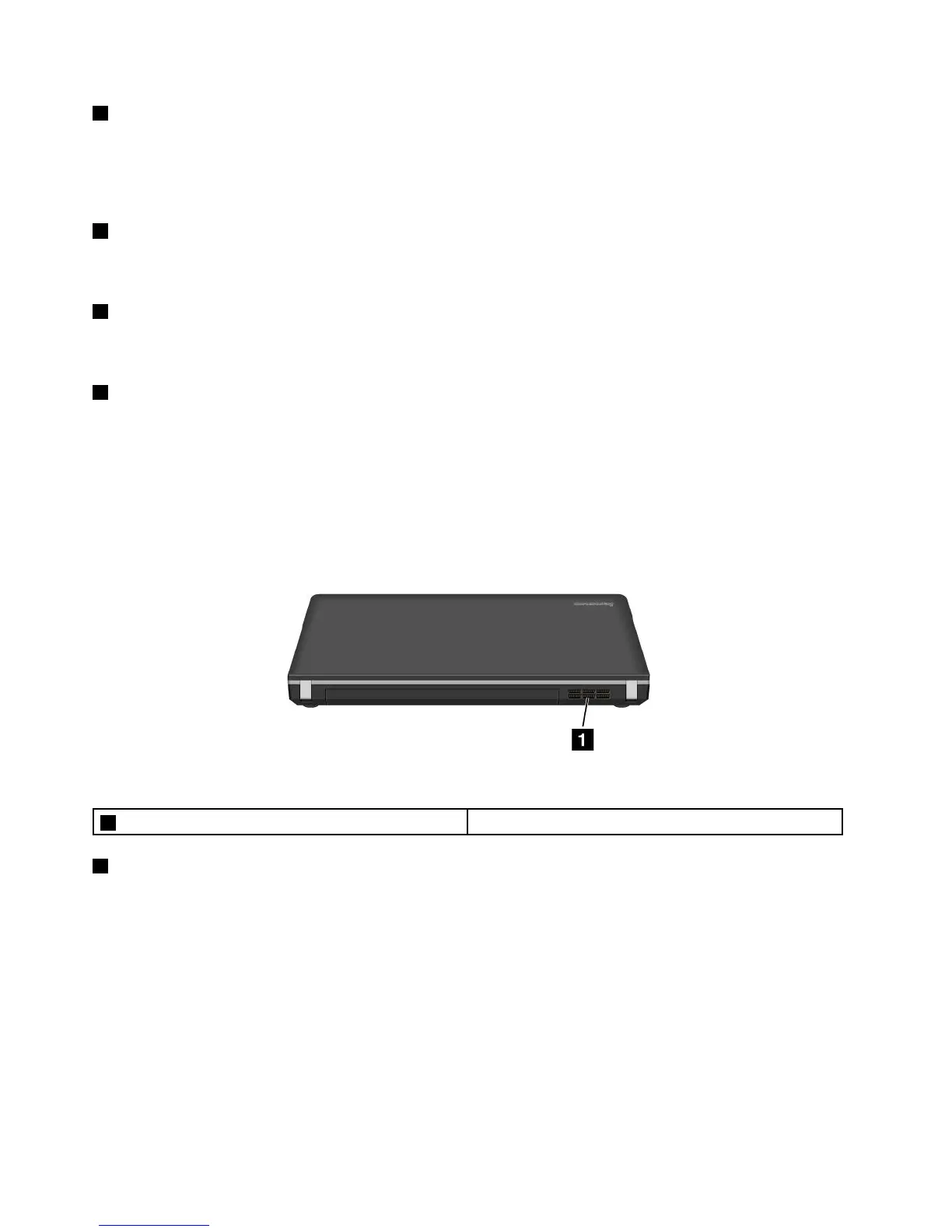
Rearview
Figura5.LenovoB430rearview
1Fanlouvers(rear)
1Fanlouvers(rear)
Theinternalfanandlouversenableairtocirculateinthecomputerandcoolthecentralprocessor.
Nota:Toavoidimpedingairow,donotplaceanyobstacleinfrontofthefan.
Statusindicators
Thestatusindicatorsshowthecurrentstatusofyourcomputer.
Systemstatusindicators
Yourcomputerhasasystemstatusindicatoronthepalmrest.
6UserGuide



 To Next Page