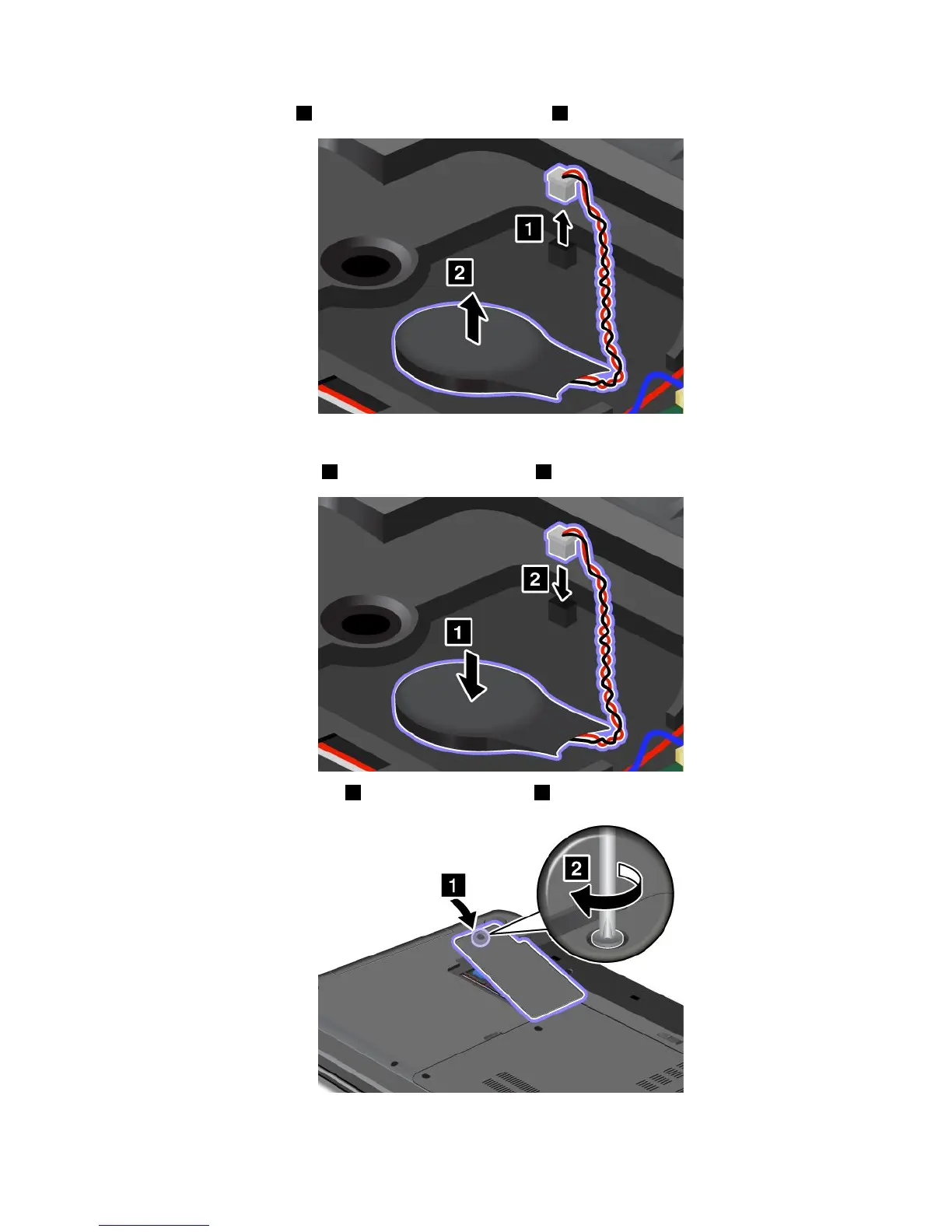
5.Detachtheconnector1.Thenremovethebackupbattery2.
Toinstallthebackupbattery,dothefollowing:
1.Installthebackupbattery1.Thenattachtheconnector2.
2.Reinstallthecomputercover1.Thentightenthescrew2.
3.Reinstallthebattery.See“Replacingthebattery”napágina49.
Capítulo5.Replacingdevices67



 To Next Page