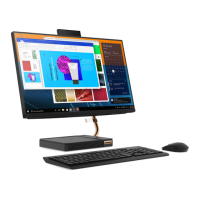
Before you open the system board frame, turn off the computer and wait several minutes until the computer
is cool.
Replacement procedure
1. Remove the hinge cover. See “Hinge cover” on page 57.
2. Remove the computer back cover. See “Computer back cover” on page 58.
3. Remove the screws.
4. Remove the system board frame.
Chapter 6. Hardware removal and installation 63



 To Next Page
 Loading...