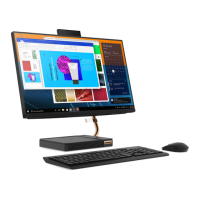
5. Install the new system board frame.
6. Secure the system board frame with the screws.
7. Reinstall the removed parts.
Memory module
Prerequisite
Before you start, read Chapter 2 “Important service information” on page 27 and print the following
instructions.
Attention: Do not touch the contact edge of the memory module. Otherwise, the memory module might get
damaged.
64
IdeaCentre A540-24ICB and A540-24API Hardware Maintenance Manual



 To Next Page
 Loading...