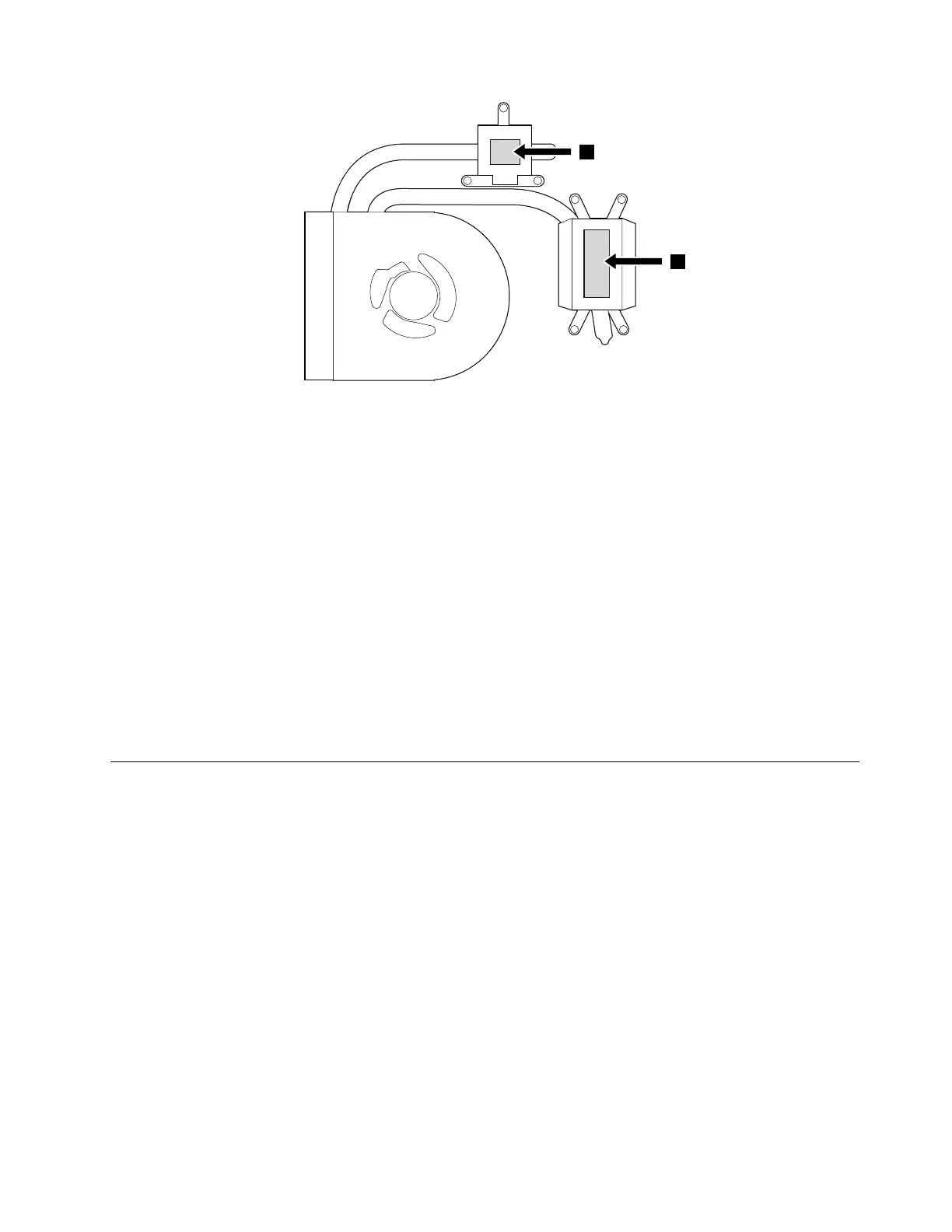
•Donottouchthethermalgrease.
•Donotpress,touch,orrotatethefanimpeller.
•Donottouchthefaninlethole.
•Donottwistorpullthecableofthethermalfanassembly.
•Donotapplypressureonthetopandbottomcoversofthethermalfanassembly.
•Donotpresstheheatpipe.Holdbothsidesoftheheatpipeifyoumusttakethethermalfanassembly.
•Donotshakeordropthethermalfanassembly.
•Ensurethatthefanconnectorisattachedfirmly.
•Replacethethermalfanassemblyifyouobservethefollowing:
–Thecoverofthethermalfanassemblyisdeformedordamaged.
–Thereisabnormalnoiseduringrotation.
Whenyouinstallthesystemboard:
Ensurethatalltheconnectorsareattachedfirmlytothesystemboard.
1130Batterypack
Foraccess,removethisFRU:
•“1010LenovoOneLinkconnectorcover”onpage60
•“1020DIMMdoor”onpage61
•“1030Internalstoragedrive”onpage61
•“1040Memorymodule”onpage62
•“1050WirelessLANcard”onpage63
•“1060Coin-cellbattery”onpage64
•“1070Keyboard”onpage65
•“1080Keyboardbezelassembly”onpage66
•“1090Mediacardreader”onpage68
•“1100USB/audiocard”onpage69
•“1120Systemboardandthermalfanassembly”onpage70
Importantnoticesforreplacingabatterypack
Attention:Lenovohasnoresponsibilityfortheperformanceorsafetyofunauthorizedbatteries,and
providesnowarrantiesforfailuresordamagearisingoutoftheiruse.
Chapter9.RemovingorreplacingaFRU77












 To Next Page