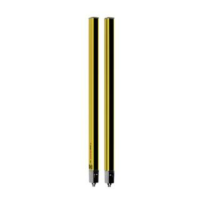
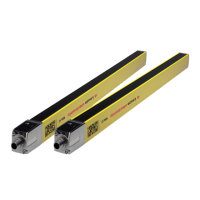
Device description
Leuze electronic MLC 520 EX 13
Table 3.2: Meaning of the LEDs
7-segment display at the MLC 520 receiver
In normal operation, the 7-segment display shows the number of the selected transmission channel. In
addition, it helps during the detailed error diagnostics (see chapter 11) and serves as an alignment aid (see
chapter 8.2 "Aligning the sensor").
Table 3.3: Meaning of the 7-segment display
For error diagnostics, the error's respective letter is displayed first followed by the number code. The
display is repeated cyclically. An AutoReset is carried out after 10 s for errors that do not cause locking,
with an unauthorized restart being impossible. In the case of blocking errors, the voltage supply must be
LED Color State Description
1 Red/green OFF Device switched off
Red OSSD off
Red slowly flashing
(approx. 1 Hz)
External fault
Red flashing fast
(approx. 10 Hz)
Internal fault
Green slowly flashing
(approx. 1 Hz)
OSSD on, weak signal
Green OSSD on
2 Yellow OFF
• RES deactivated
• or RES activated and enabled
• or RES blocked and protective field inter-
rupted
ON RES activated and blocked but ready to be
unlocked - protective field free
Display Description
After switching on
8 Self test
t n n Response time (t) of the receiver in milliseconds (n n)
In normal operation
C1 Transmission channel C1
C2 Transmission channel C2
For alignment
Alignment display (see table 3.4).
• Segment 1: beam area in upper third of the protective field
• Segment 2: beam area in middle third of the protective field
• Segment 3: beam area in lower third of the protective field
For error diagnostics
F… Failure, internal device error
E… Error, external error
U…
Usage info, application error


 To Next Page
 Loading...