Communication with the device
Leuze electronic GmbH + Co. KG BPS 37 29
9 Communication with the device
Device parameters can be set via commands or using the easy-to-use "BPSConfig 3.0" control software.
9.1 Installing the "BPSConfig" software
Insert the installation CD in your CD drive.
Call up the installation file (e.g. Setup.exe)
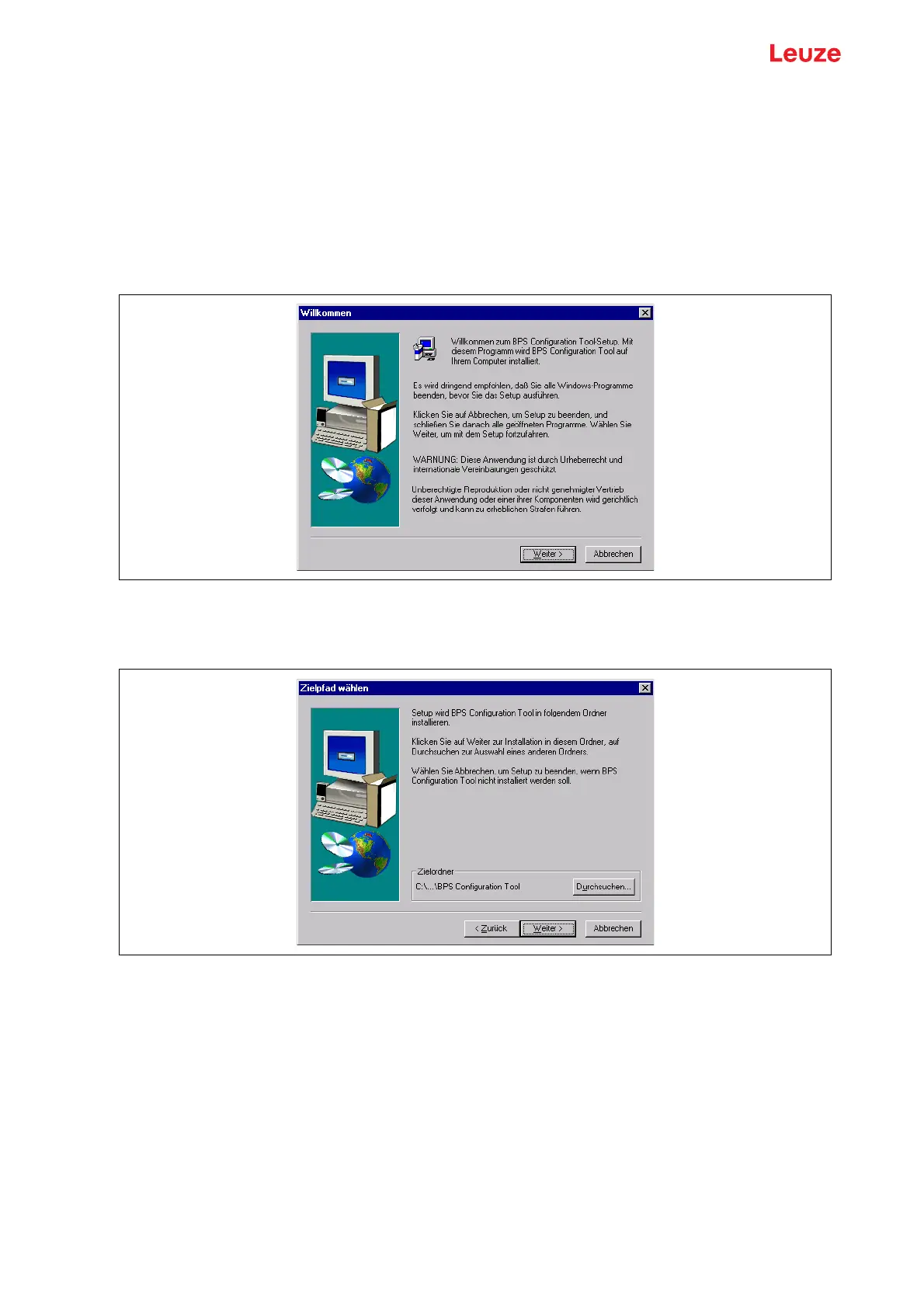
The following window appears:
Installation window
Figure 9.1: Installation window
Confirm the following license agreement and select the installation path in the following window:
Installation directory
Figure 9.2: Installation directory
Confirm your entry with Next, then follow the installation routine.
For further details please refer to online help of the "BPSConfig" software.



 To Next Page