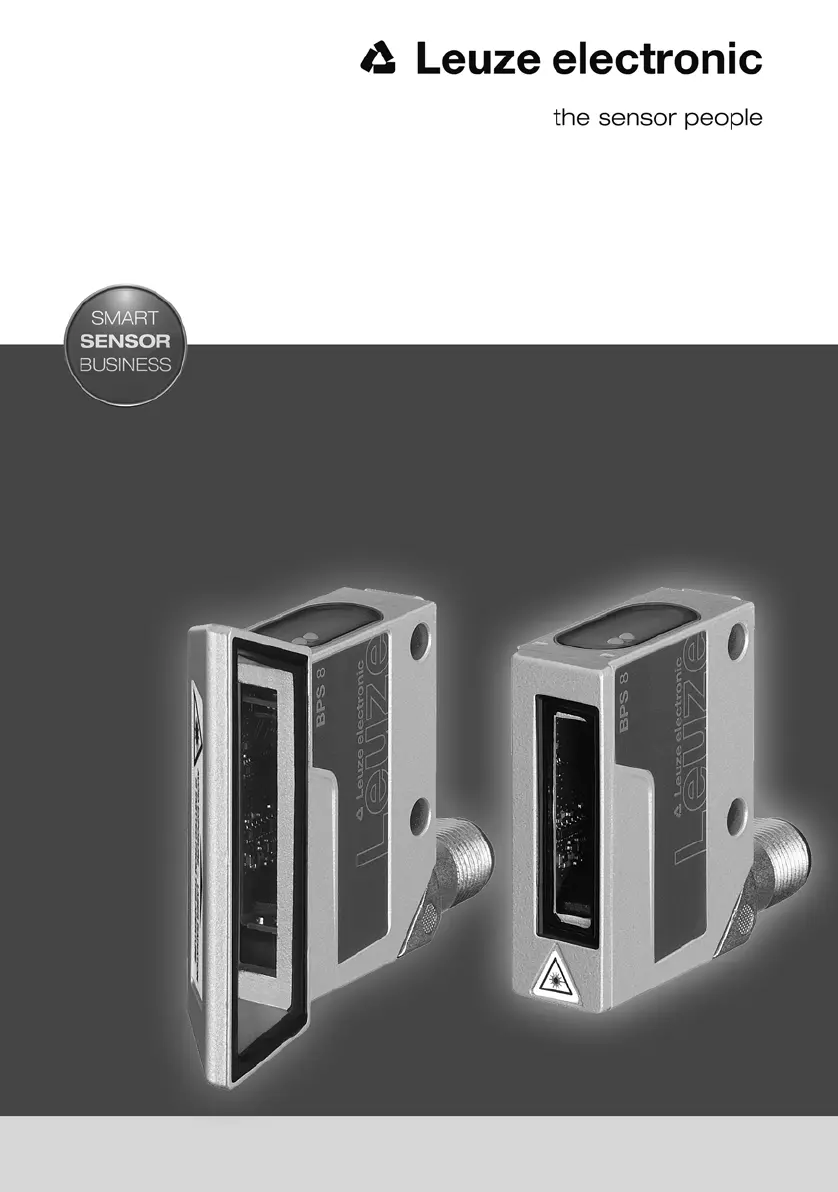
What does it mean if the Decode LED shows a continuous orange light on Leuze BPS 8?
- TTheresa WalkerSep 4, 2025
A continuous orange light on the Decode LED indicates that a marker label has been detected. You should retrieve the marker label.
What does it mean if the Decode LED shows a continuous orange light on Leuze BPS 8?
A continuous orange light on the Decode LED indicates that a marker label has been detected. You should retrieve the marker label.
Why is the status LED off on my Leuze Valve Positioners?
If the status LED on your Leuze Valve Positioner is off, this indicates that no supply voltage is connected to the device. To fix this, check the supply voltage.
What does orange decode LED mean on Leuze Valve Positioners?
If the decode LED on your Leuze Valve Positioner shows a continuous orange light, it means a marker bar code has been detected. To address this, call up the marker bar code.
What does continuous red status LED mean on Leuze Valve Positioners?
If the status LED on your Leuze Valve Positioner shows a continuous red light, it indicates an internal device error that prevents normal function. The suggested solution is to send in the device for repair.
How to reset orange flashing status LED on Leuze Valve Positioners?
If the status LED on your Leuze Valve Positioner is continuously orange and flashing, it signifies that a service operation is currently active. You can reset this service operation by using the BPS Configuration Tool.
What to do if the status LED is red and flashing on Leuze Valve Positioners?
If the status LED on your Leuze Valve Positioner is flashing red, it indicates a warning. You should query the diagnostic data to determine the specific issue and then take the necessary corrective actions.
Why am I getting a position error with Leuze Valve Positioners?
If you are experiencing a position error with your Leuze Valve Positioner, it could be due to several reasons: the absence of a bar code tape, the scanner being positioned in total reflection, or improper mounting of the scanner. To address this, verify the positioning of the bar code tape, adjust the scanning beam's angle by tilting the BPS 8, ensure correct mounting, and clean the BPS 8 window.
What to do if the decode LED is red on Leuze Valve Positioners?
If the Decode LED on your Leuze Valve Positioner shows a continuous red light, it means the position data is invalid, potentially because it's out of tape. To resolve this, inspect the positioning of the bar code tape, try adjusting the angle of the scanning beam by tilting the BPS 8, verify the mounting, and ensure the BPS 8 window is clean.
What to do if the Decode LED is off on Leuze BPS 8?
If the Decode LED is off, it means that positioning is deactivated. Call up position values and deactivate SLEEP mode.
What to do if the Decode LED shows a continuous red light on Leuze Valve Positioners?
If the Decode LED displays a continuous red light, it means the position value is invalid, likely out of tape. You should check the barcode tape positioning, adjust the scanning beam angle by tilting the BPS 8, verify the mounting, and clean the BPS 8 window.
Explains manual structure, document conventions, and symbols used for clarity and safety.
Covers intended use, foreseeable misuse, competent persons, liability, and laser safety.
Specifies requirements for personnel handling the device and outlines manufacturer liability limitations.
Details precautions for safe handling of the laser beam to prevent eye injury.
Provides key technical details including optical, measurement, electrical, and mechanical data.
Presents physical dimensions and graphical representations of the reading field for installation planning.
Describes the MA 8.1 unit for RS 232 interface, voltage supply, and switching I/O.
Details MA 8-01/MA 8-02 units for RS 485 interface, voltage supply, and switching I/O.
Explains the MA 2xxi unit as a gateway for various fieldbus and Ethernet networks.
Covers available variants, composition, delivery, and ordering of bar code tapes.
Explains the use of control bar codes for function activation and marker bar codes for triggering functions.
Lists dimensions, structure, environmental, and mechanical properties of the BCB8 tape.
Provides installation remarks, cutting procedures, and mounting tips for the bar code tape.
Outlines various mounting options and arrangements for the BPS 8 sensor unit.
Details the BT 8-01 and BT 8-0 mounting devices for securing the BPS 8.
Guides on selecting optimal mounting locations and ensuring correct beam alignment.
Highlights safety precautions and requirements for connecting the device to power.
Details pin assignments for PWR IN, RS 232, and switching input/output on the BPS 8.
Explains electrical connections using the MA 8.1 modular unit for RS 232 and switching functions.
Covers electrical connections via MA 8-01/MA 8-02 units for RS 485 and switching functions.
Explains interface options and configuration using the BPS Configuration Tool.
Guides on installing and using the BPS Configuration Tool for device setup and parameter management.
Details how to activate the service interface and use online commands for device control.
Provides an overview of configurable parameters organized into logical tabs for easy access.
Offers in-depth explanations of each parameter within the Control, Communication, etc. tabs.
Describes data format, request, and response telegrams for Binary Protocol 1.
Details data format, request, and response telegrams for Binary Protocol 2.
Explains data format, request, and response telegrams for Binary Protocol 3.
Covers data format, request sequences, and response telegrams for Binary Protocol 4.
Outlines data format, request, and response telegrams for Binary Protocol 6.
Describes the meaning of LED states for status and decode indicators on the BPS 8.
Lists common errors, their possible causes, and recommended troubleshooting measures.
Addresses errors related to RS 232/RS 485 communication and provides troubleshooting steps.
Instructs on proper cleaning procedures for the optical window and bar code tape.
Guides on how to obtain repairs and servicing for the device from the manufacturer.
Provides instructions for packing the device for reuse and notes on disposal as electrical scrap.
Lists different BPS 8 models, their features, and part numbers for easy identification.
Details available bar code tapes, including lengths, heights, and special order options.
Lists available connection units (MA 8.1, MA 8-01, MA 8-02) for electrical interfacing.
Presents available gateways for connecting the BPS 8 to various fieldbus and Ethernet systems.
Lists various interconnection and connection cables required for system setup.
Describes mounting brackets and clamps for installing the BPS 8 sensor.
Informs where to download the BPS Configuration Tool software for device setup.
Includes the EC Declaration of Conformity for the BPS 8 product.
Explains manual structure, document conventions, and symbols used for clarity and safety.
Covers intended use, foreseeable misuse, competent persons, liability, and laser safety.
Specifies requirements for personnel handling the device and outlines manufacturer liability limitations.
Details precautions for safe handling of the laser beam to prevent eye injury.
Provides key technical details including optical, measurement, electrical, and mechanical data.
Presents physical dimensions and graphical representations of the reading field for installation planning.
Describes the MA 8.1 unit for RS 232 interface, voltage supply, and switching I/O.
Details MA 8-01/MA 8-02 units for RS 485 interface, voltage supply, and switching I/O.
Explains the MA 2xxi unit as a gateway for various fieldbus and Ethernet networks.
Covers available variants, composition, delivery, and ordering of bar code tapes.
Explains the use of control bar codes for function activation and marker bar codes for triggering functions.
Lists dimensions, structure, environmental, and mechanical properties of the BCB8 tape.
Provides installation remarks, cutting procedures, and mounting tips for the bar code tape.
Outlines various mounting options and arrangements for the BPS 8 sensor unit.
Details the BT 8-01 and BT 8-0 mounting devices for securing the BPS 8.
Guides on selecting optimal mounting locations and ensuring correct beam alignment.
Highlights safety precautions and requirements for connecting the device to power.
Details pin assignments for PWR IN, RS 232, and switching input/output on the BPS 8.
Explains electrical connections using the MA 8.1 modular unit for RS 232 and switching functions.
Covers electrical connections via MA 8-01/MA 8-02 units for RS 485 and switching functions.
Explains interface options and configuration using the BPS Configuration Tool.
Guides on installing and using the BPS Configuration Tool for device setup and parameter management.
Details how to activate the service interface and use online commands for device control.
Provides an overview of configurable parameters organized into logical tabs for easy access.
Offers in-depth explanations of each parameter within the Control, Communication, etc. tabs.
Describes data format, request, and response telegrams for Binary Protocol 1.
Details data format, request, and response telegrams for Binary Protocol 2.
Explains data format, request, and response telegrams for Binary Protocol 3.
Covers data format, request sequences, and response telegrams for Binary Protocol 4.
Outlines data format, request, and response telegrams for Binary Protocol 6.
Describes the meaning of LED states for status and decode indicators on the BPS 8.
Lists common errors, their possible causes, and recommended troubleshooting measures.
Addresses errors related to RS 232/RS 485 communication and provides troubleshooting steps.
Instructs on proper cleaning procedures for the optical window and bar code tape.
Guides on how to obtain repairs and servicing for the device from the manufacturer.
Provides instructions for packing the device for reuse and notes on disposal as electrical scrap.
Lists different BPS 8 models, their features, and part numbers for easy identification.
Details available bar code tapes, including lengths, heights, and special order options.
Lists available connection units (MA 8.1, MA 8-01, MA 8-02) for electrical interfacing.
Presents available gateways for connecting the BPS 8 to various fieldbus and Ethernet systems.
Lists various interconnection and connection cables required for system setup.
Describes mounting brackets and clamps for installing the BPS 8 sensor.
Informs where to download the BPS Configuration Tool software for device setup.
Includes the EC Declaration of Conformity for the BPS 8 product.
| Operating voltage | 10 - 30 V DC |
|---|---|
| Voltage type | DC |
| Current consumption, max. | 50 mA |
| Switching element | Transistor |
| Degree of protection | IP 67 |
| Output current | 100 mA |
| Protection class | III |
| Switching output | PNP |
| Light source | LED |
| Connection | M12 plug |
| Housing material | Plastic |
| Sensing range | 8 mm |
| Type of measurement | Optical |
| Protection circuit | Reverse polarity protection |
| Certifications | CE |