Configuration / device parameters
Leuze electronic BPS 8 68
TNT 35/7-24V
8.3 Service operating mode
Setting the required parameters is carried out in the Service operating mode. The operating
mode Service provides the following defined operating parameters on the external RS232
interface, no matter how the BPS 8 is configured for standard operation:
• Transmission rate: 9.6 kBit/s
•No parity
• 8 data bits
• 1 stop bit
•Prefix: STX
• Postfix: CR, LF
8.3.1 Activate service interface
The service interface may be activated as follows:
•Via a "v" command during power-up (initialization phase).
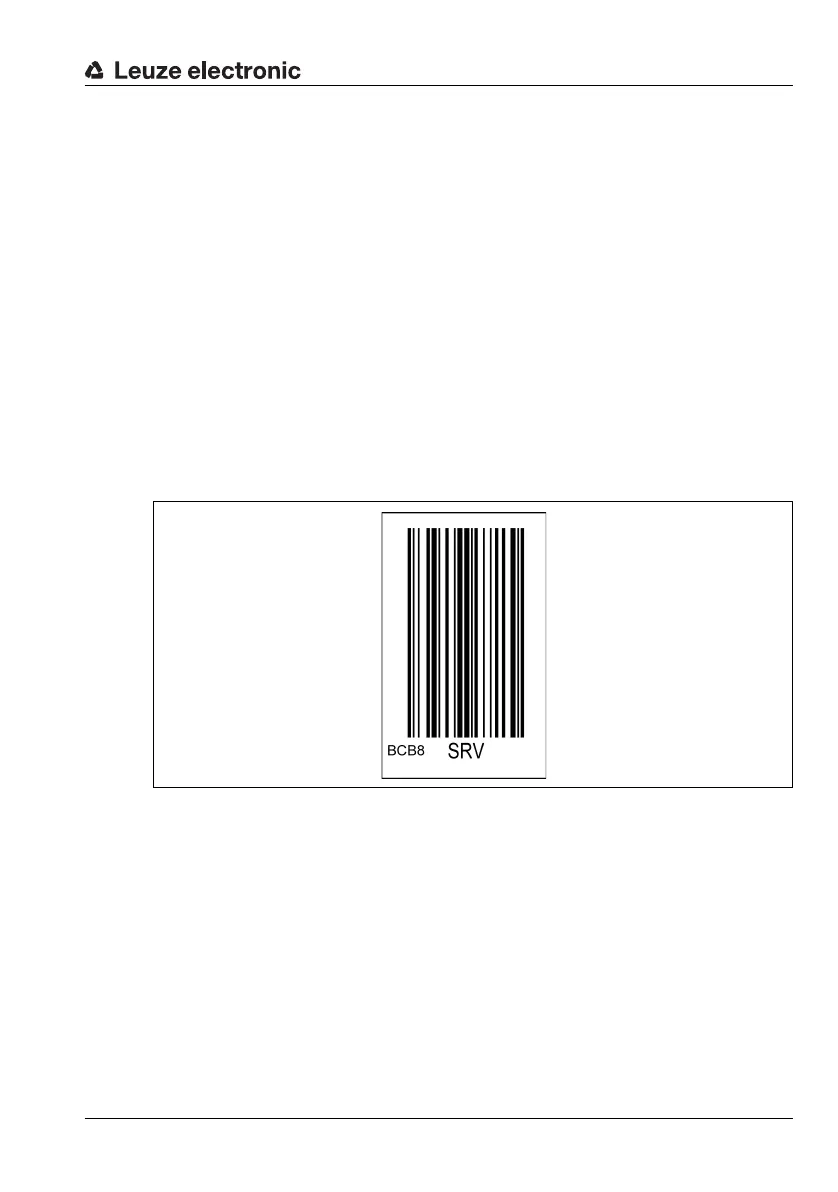
• Via the SRV control bar code (see accompanying package insert) in front of the read-
ing window during power-up (initialization phase)
Figure 8.3: SRV control bar code
8.3.2 Connecting the service interface
You can connect a PC or a terminal to the BPS 8 via the serial interface and configure the
BPS 8 through this connection. For this, you need a crossed RS 232 interconnection cable
(null modem cable) that provides the connections RxD, TxD and GND. A hardware hand-
shake via RTS, CTS is not supported at the service interface.



 To Next Page